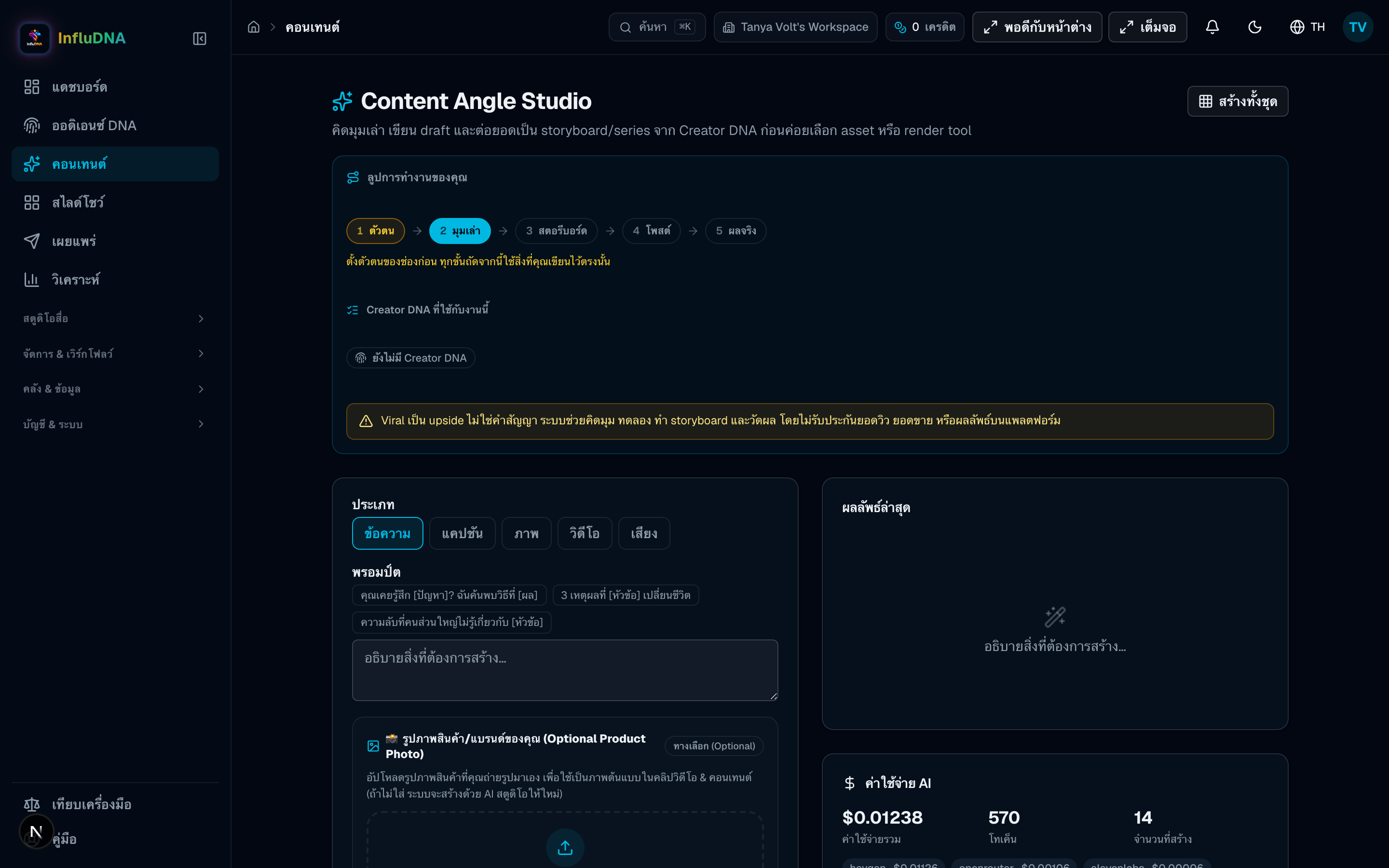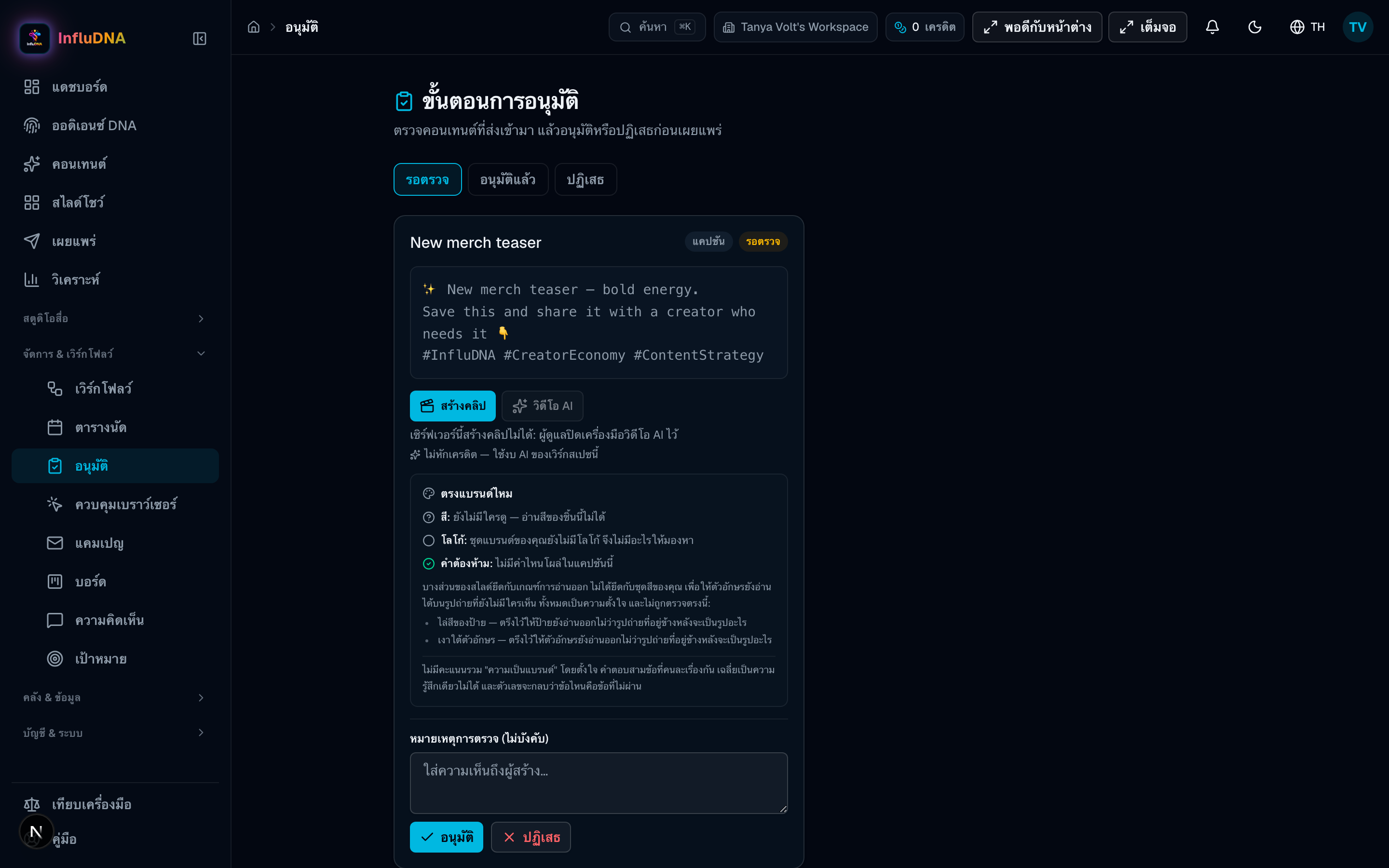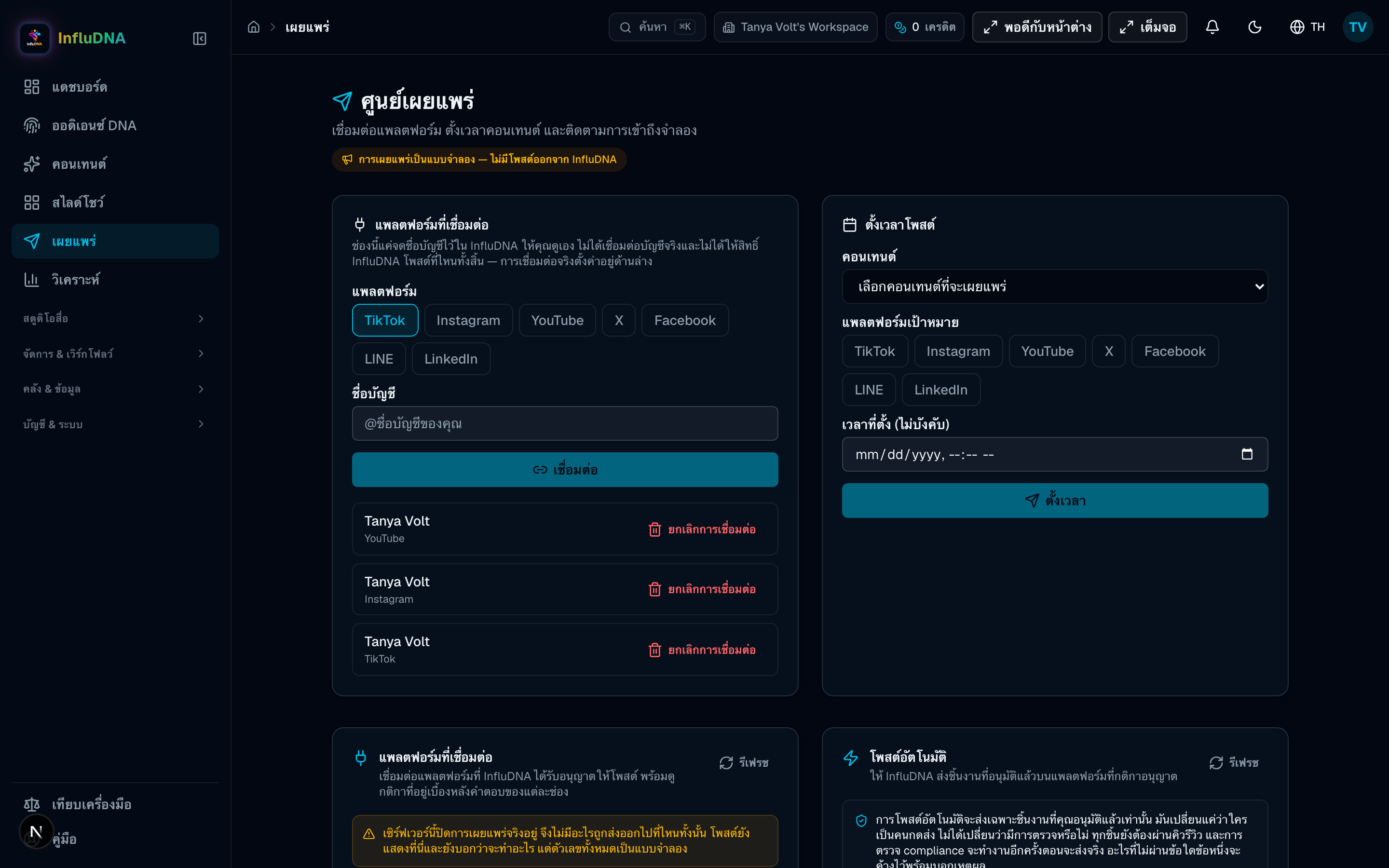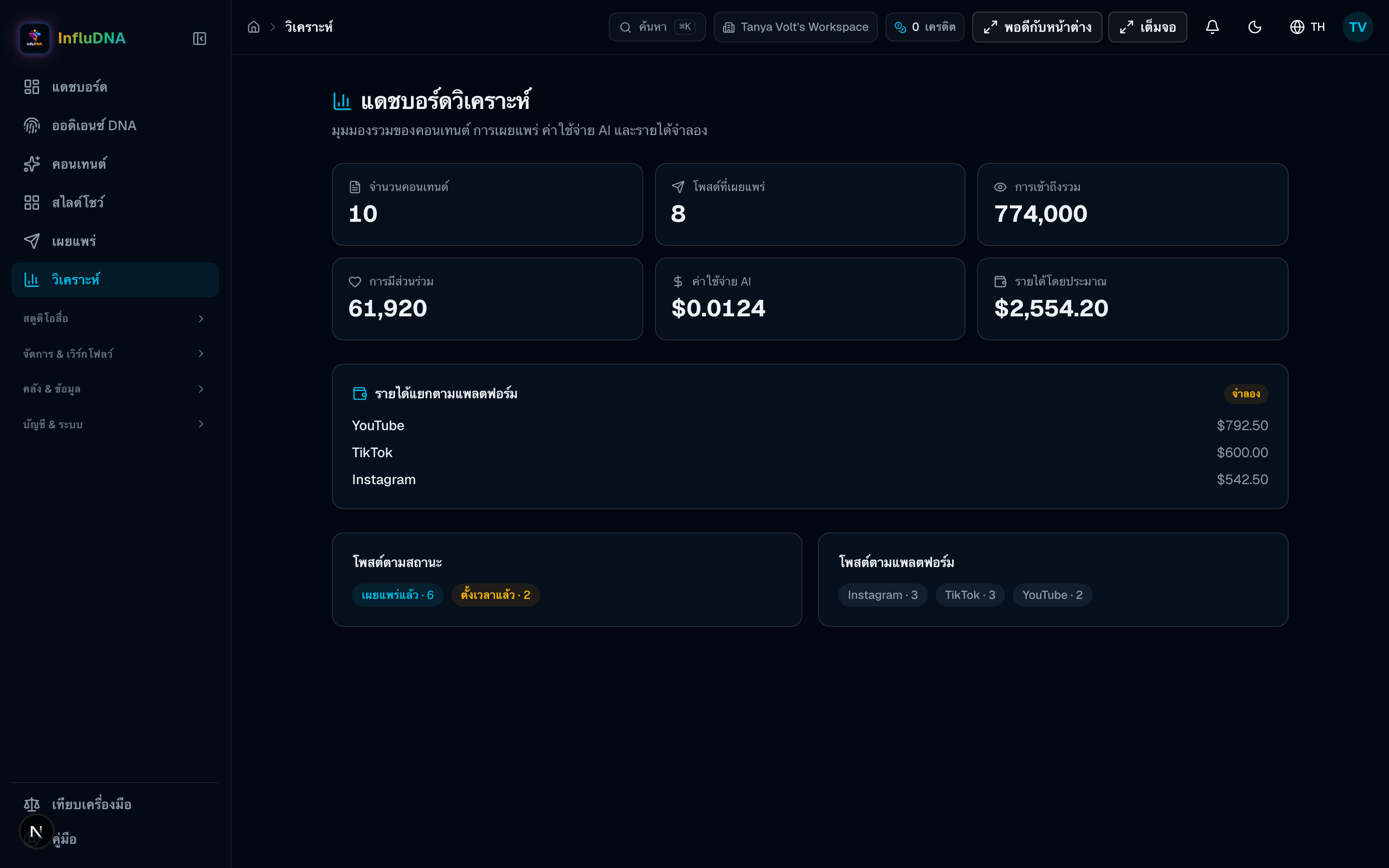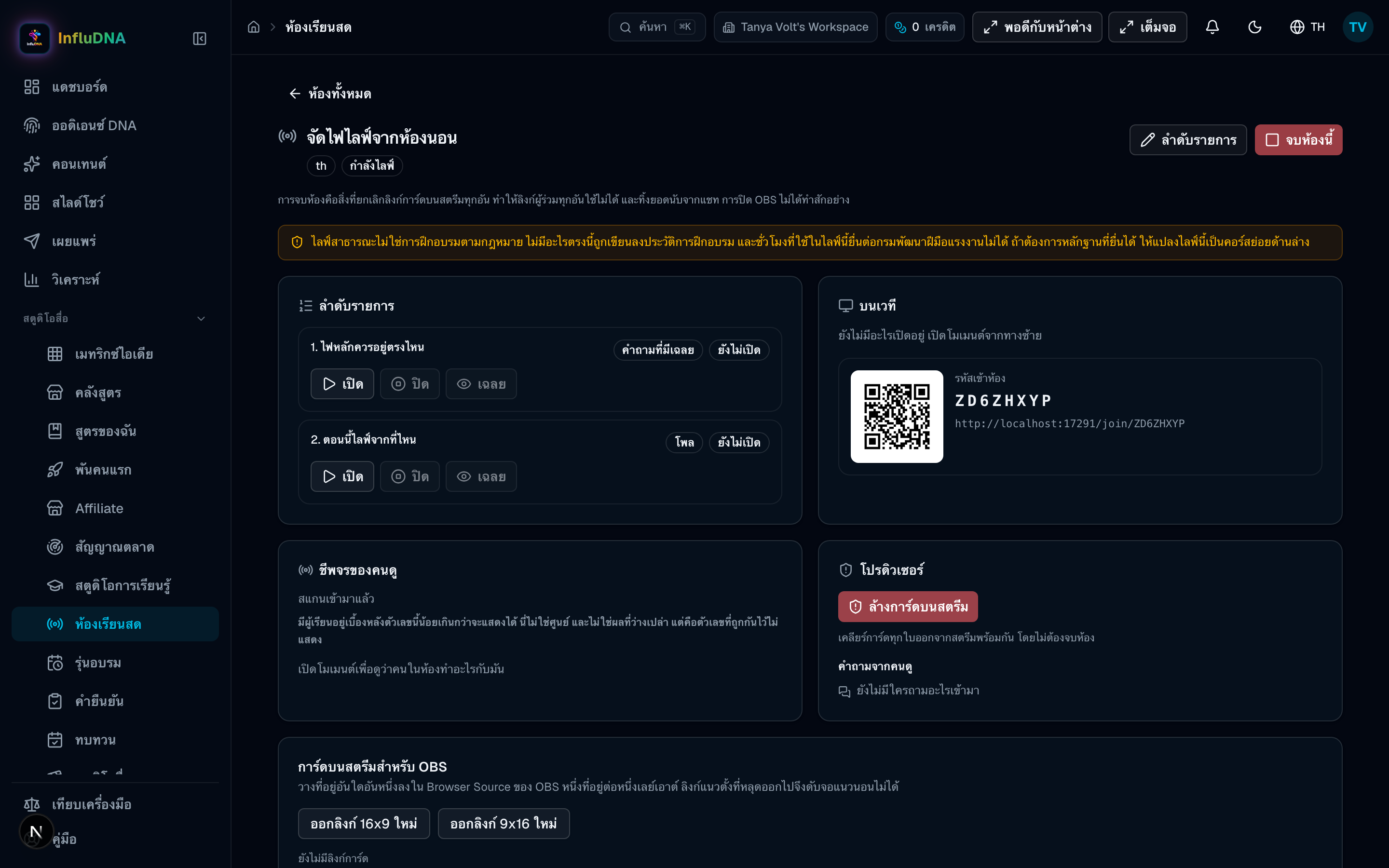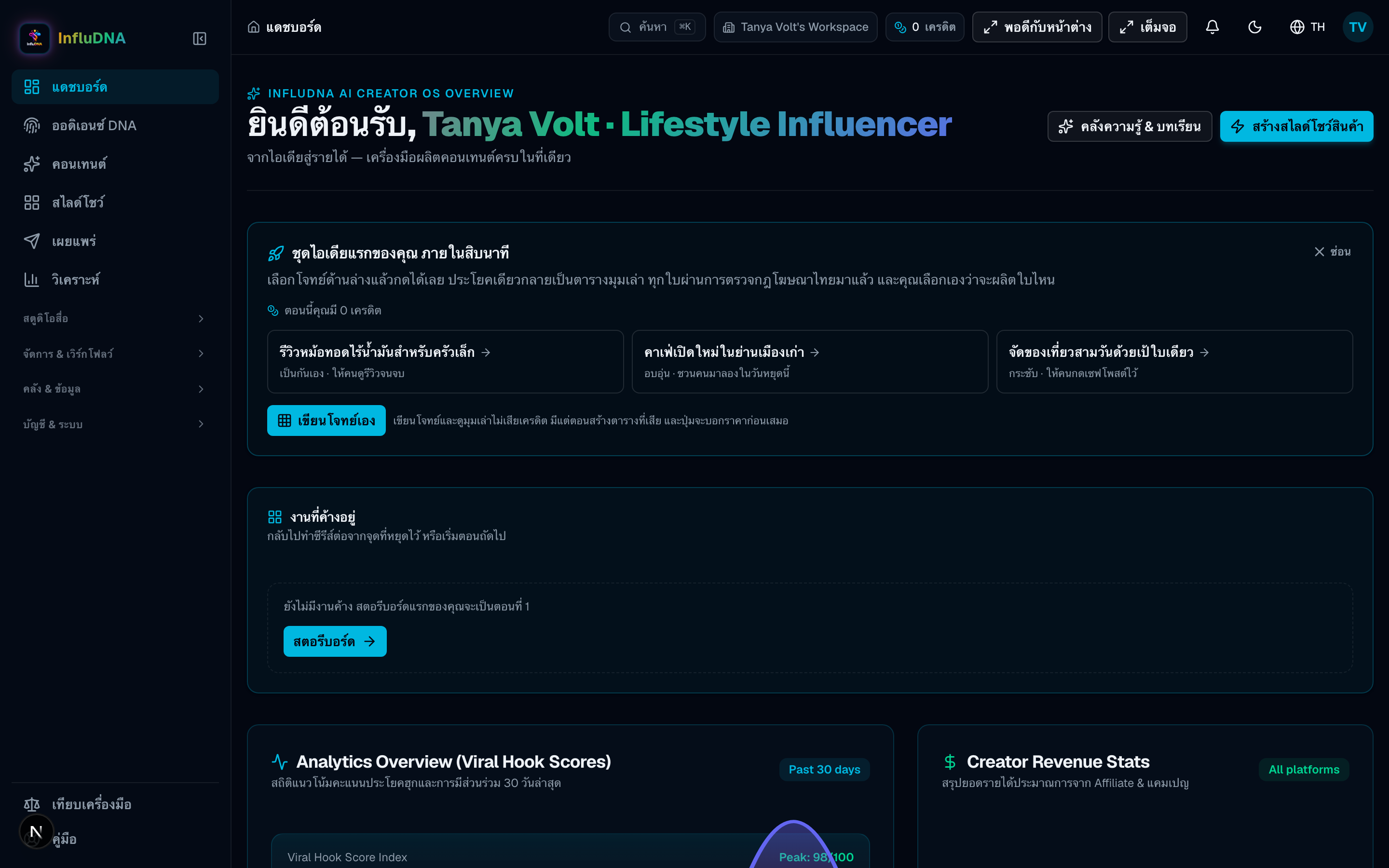
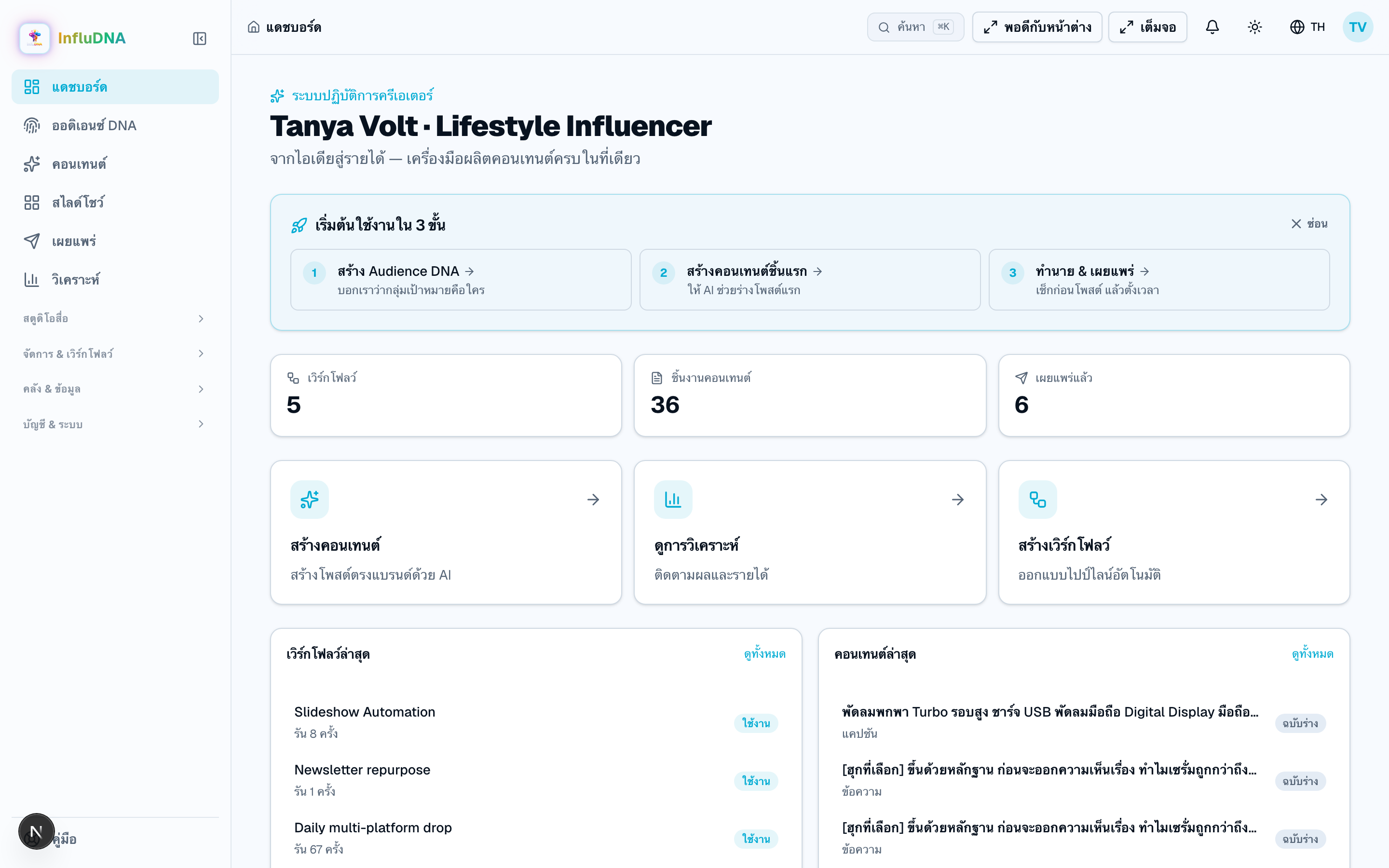
Dashboard
Open- Enter
- Nothing — read the overview and pending work.
- Why
- Choose the most useful next action instead of guessing.
- Result
- A clear starting point for this session.
- Next
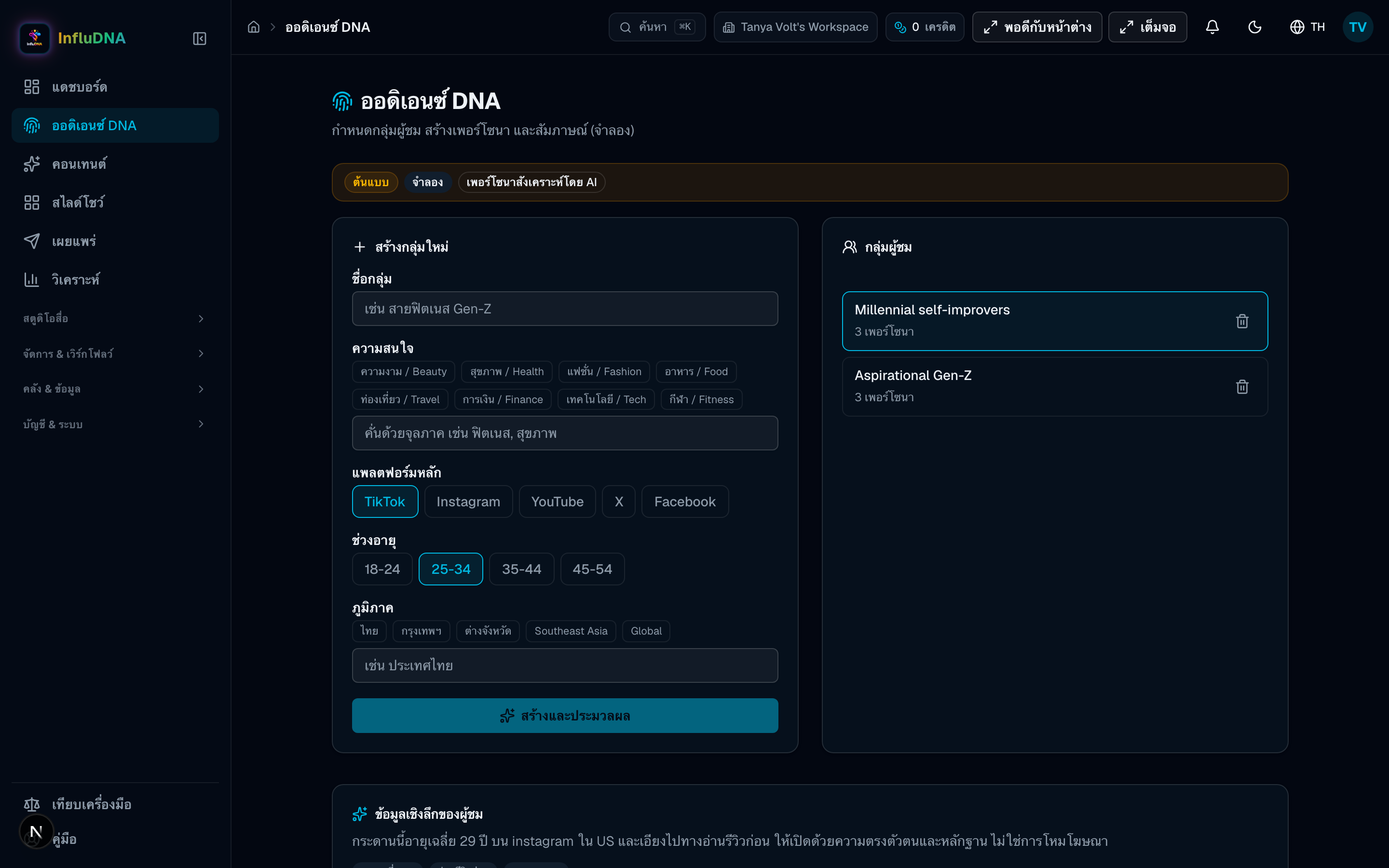
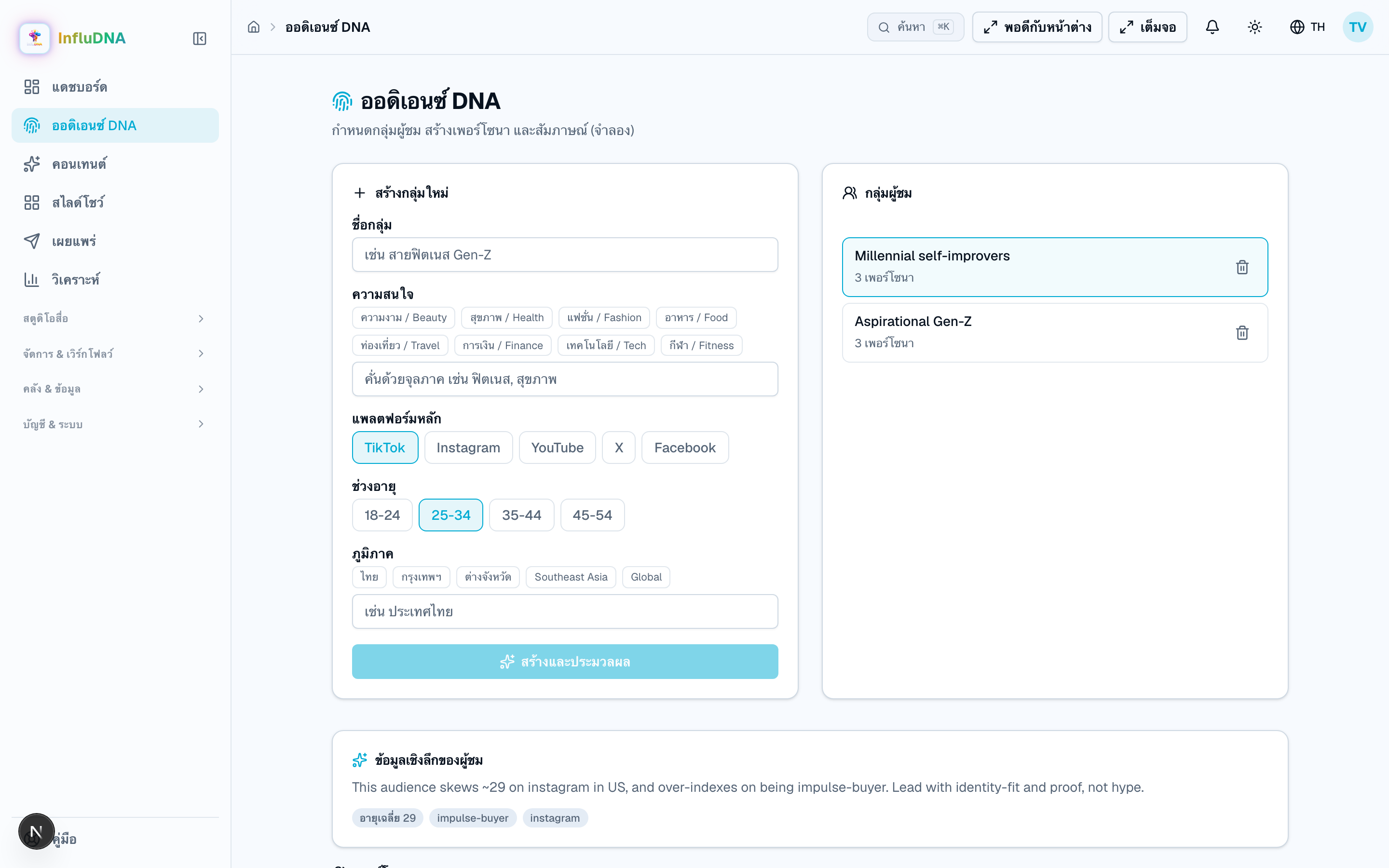
- Audience DNA, Content, or Affiliate
How to actually run InfluDNA, in the order you would run it. Every screenshot is the real product, captured with the app in Thai; button names in the steps are given in English, as your app will show them. Tap any picture to see it full size.
Whole-app guide
InfluDNA is larger than Affiliate, and it now does three jobs rather than one: the affiliate loop, training that produces a certificate, and one brief turned into a set of posts. Start with the six-step core flow if you are new, or jump directly to one of the nine sections below. Open a section to see what every page asks for, why it asks, what you get and where to continue.
Use this path for a normal content cycle. Affiliate replaces the first content-input step with a product import, then rejoins at Review.
Open only the section you are working on. The guide stays short while the page-level instructions remain close at hand.
 Full size
 Full size
 Full size
 Full size
 Full size
 Full size
 Full size
 Full size
 Full size
 Full size
 Full size
 Full size
 Full size
 Full size
Section 2 · Affiliate commerce
Choose one product source first. TikTok uses an approved API connection; Shopee currently uses the official Product Feed file from your own Affiliate portal. Both routes meet in the same Products list, then follow the same draft → review → post flow.
Not doing affiliate work? Skip this section and continue with Content & media in the app map above.
Full sizePrepare
Do this
Prepare
Do this
Shopee Open API is not required here
 Full size
 Full size
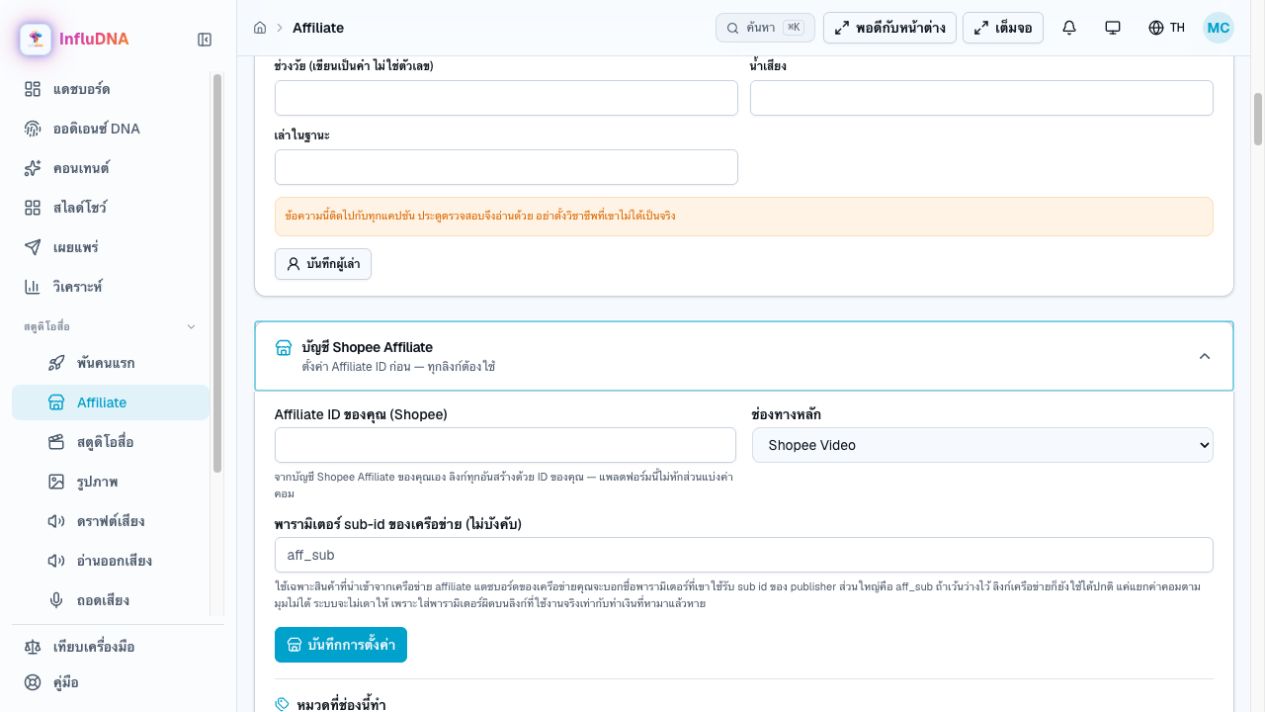
Shopee Affiliate ID
Enter: Your own numeric ID from the Shopee Affiliate portal.
Why: It is embedded in tracking links so Shopee can attribute commission to you.
Default channel
Enter: Where you normally share affiliate content, such as Shopee Video or TikTok.
Why: It pre-fills link attribution and reporting; it does not publish anything by itself.
Network sub-id parameter (optional)
Enter: Only the parameter name your affiliate network documents, commonly aff_sub. Leave blank for direct Shopee files.
Why: It lets a third-party network report which angle or post earned the order. A wrong name loses attribution.
TikTok Shop Connect
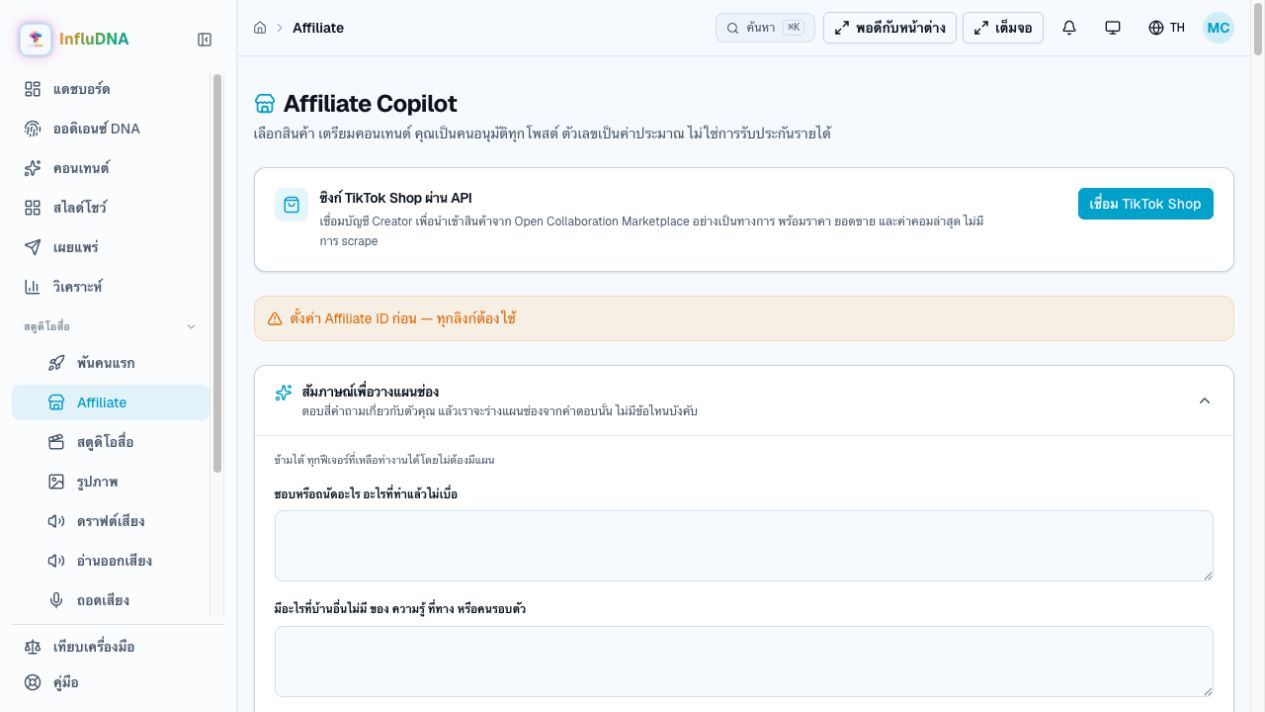
Enter: Nothing. Press the button and authorize on TikTok's page.
Why: Creators never paste an App Key or App Secret here. Those credentials are managed by the InfluDNA administrator.
Connect or import
Affiliate
Pick a product
Affiliate → Products
Draft content
Draft dialog
Review and approve
Review
Post and measure
Ready to post / Publish
Save your Shopee affiliate ID
Open Affiliate Copilot and scroll to “Shopee affiliate account”. It stays expanded until you fill it in. Type the numeric ID from your own Shopee Affiliate account, pick the channel you normally post to, and pressSave settings.
Until that is saved, imports, product actions and tracking links are disabled and an amber line at the top says “Set your Shopee affiliate ID first — every link needs it.” The TikTok Shop Connect button is the exception: it can open TikTok authorization before this ID exists, but the downstream workspace remains locked.
Eight steps, in this order. Follow them once and you will have taken one product from a spreadsheet row to something a platform can carry.
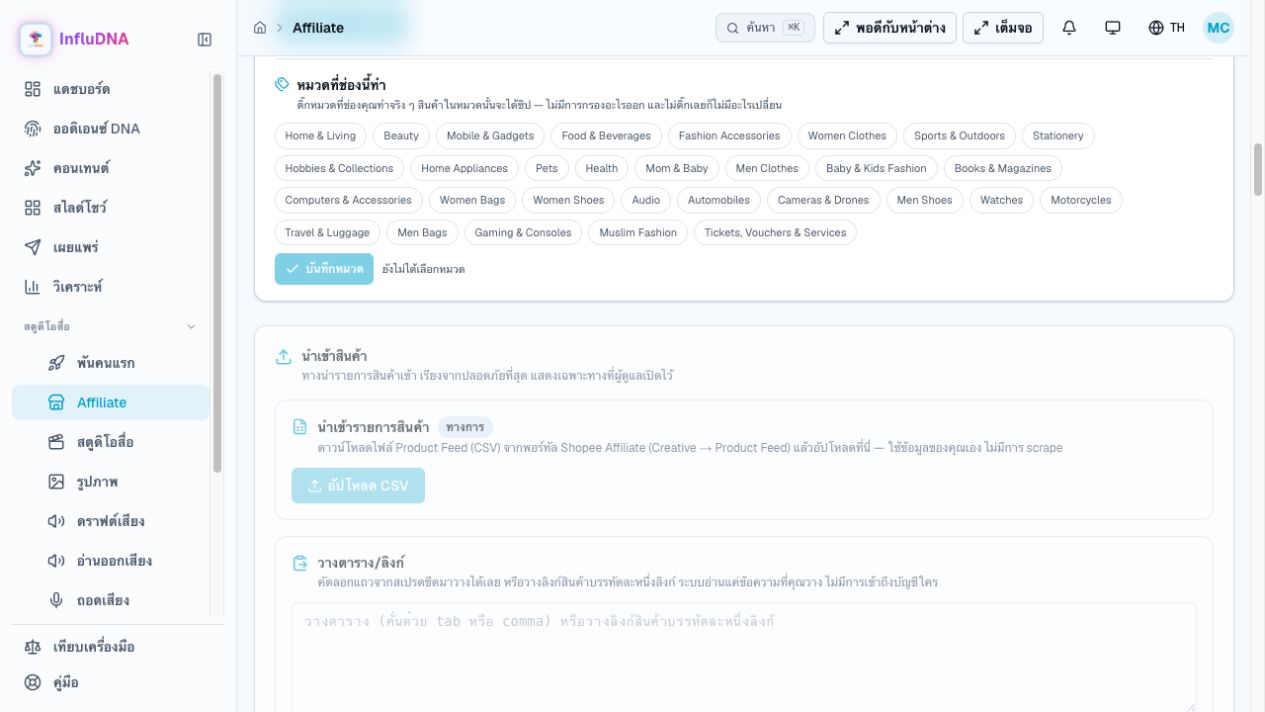
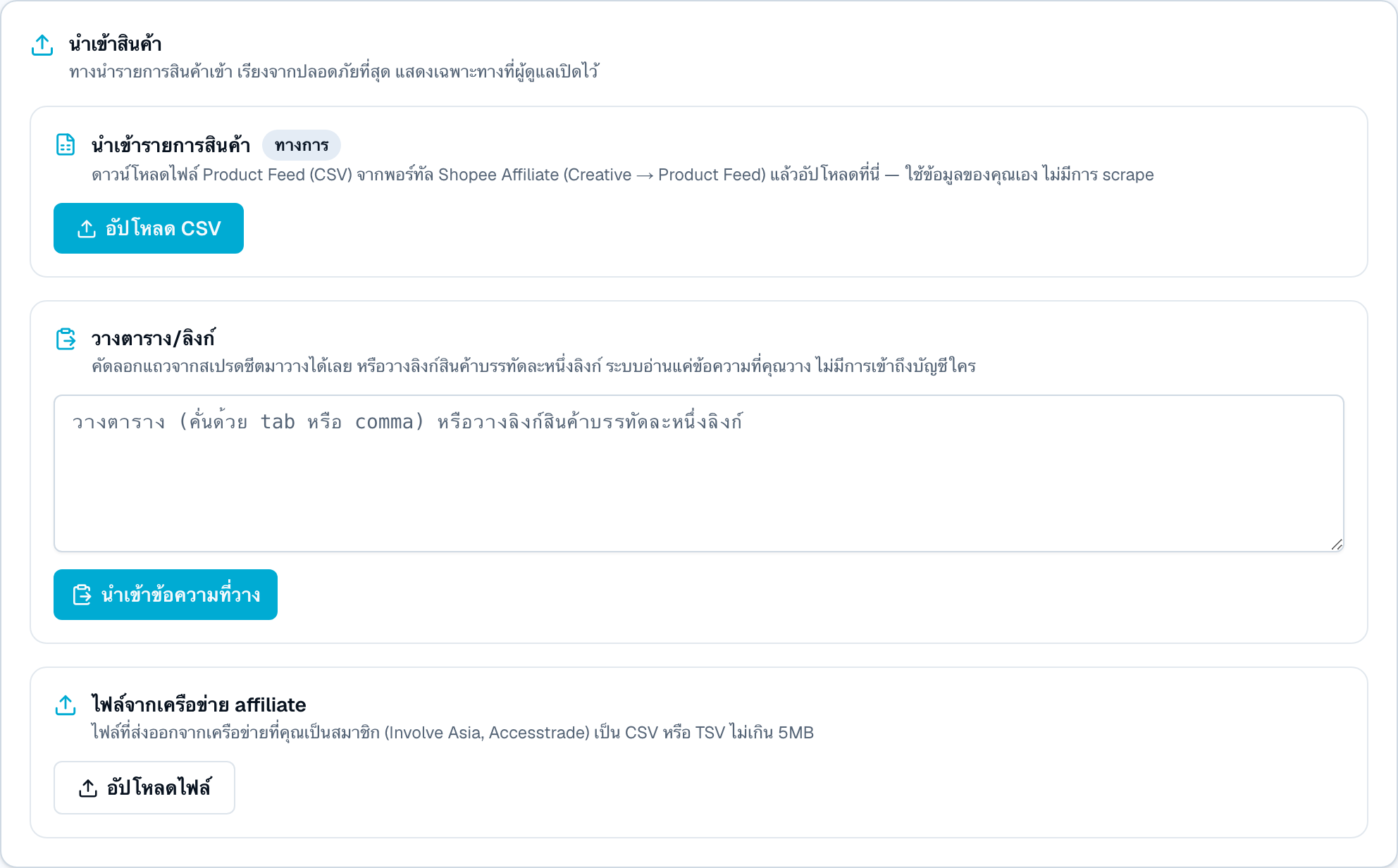
InfluDNA does not browse Shopee for you. You bring the product list, and the routes are ordered by how little each one touches anyone else's system.
 Full size
Do this
There is a fourth and a fifth route, and they carry real risk
When it refuses
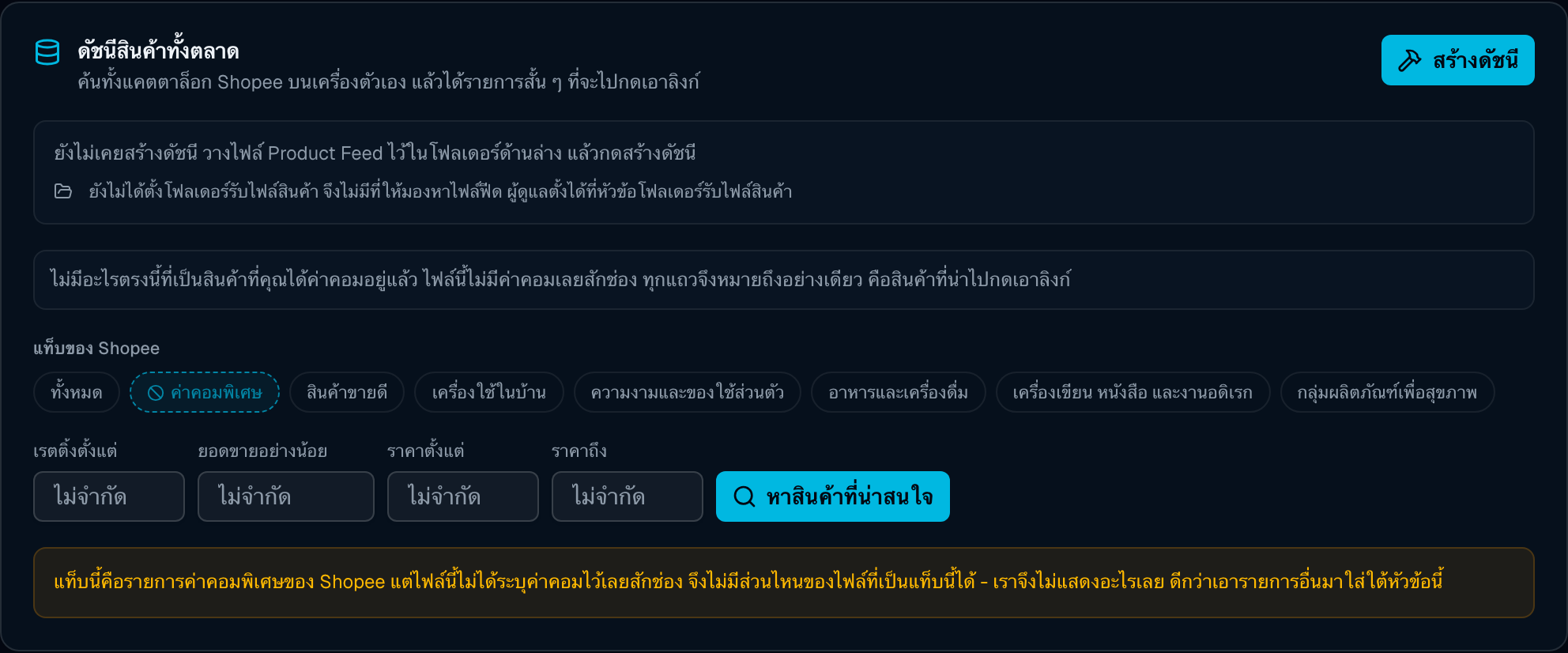
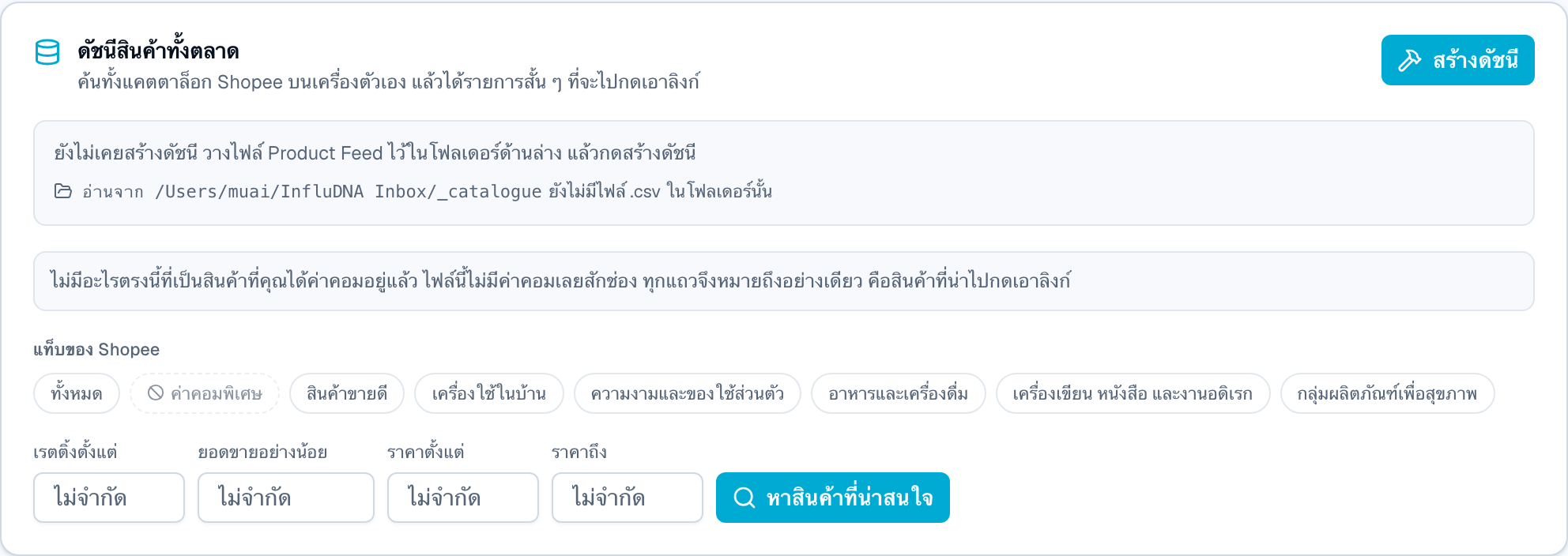
The step above imports products you already decided to sell. This one is for deciding: it indexes Shopee's full Product Feed on your own machine and hands back a short list of things worth going and fetching a link for.
 Full size
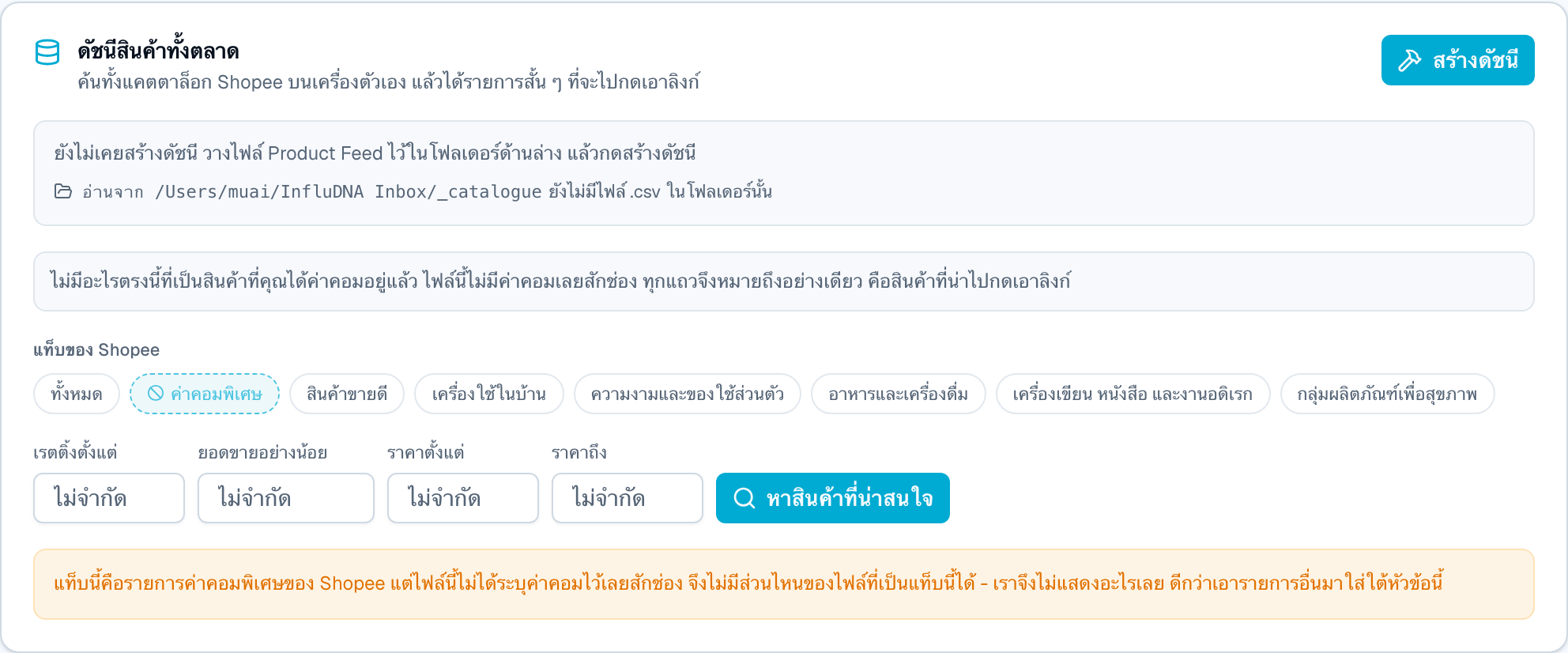 Full size
Do this
When it refuses
Every card carries the numbers your feed gave it, plus two things the app worked out: a commission estimate and, when the category is regulated, a compliance chip.
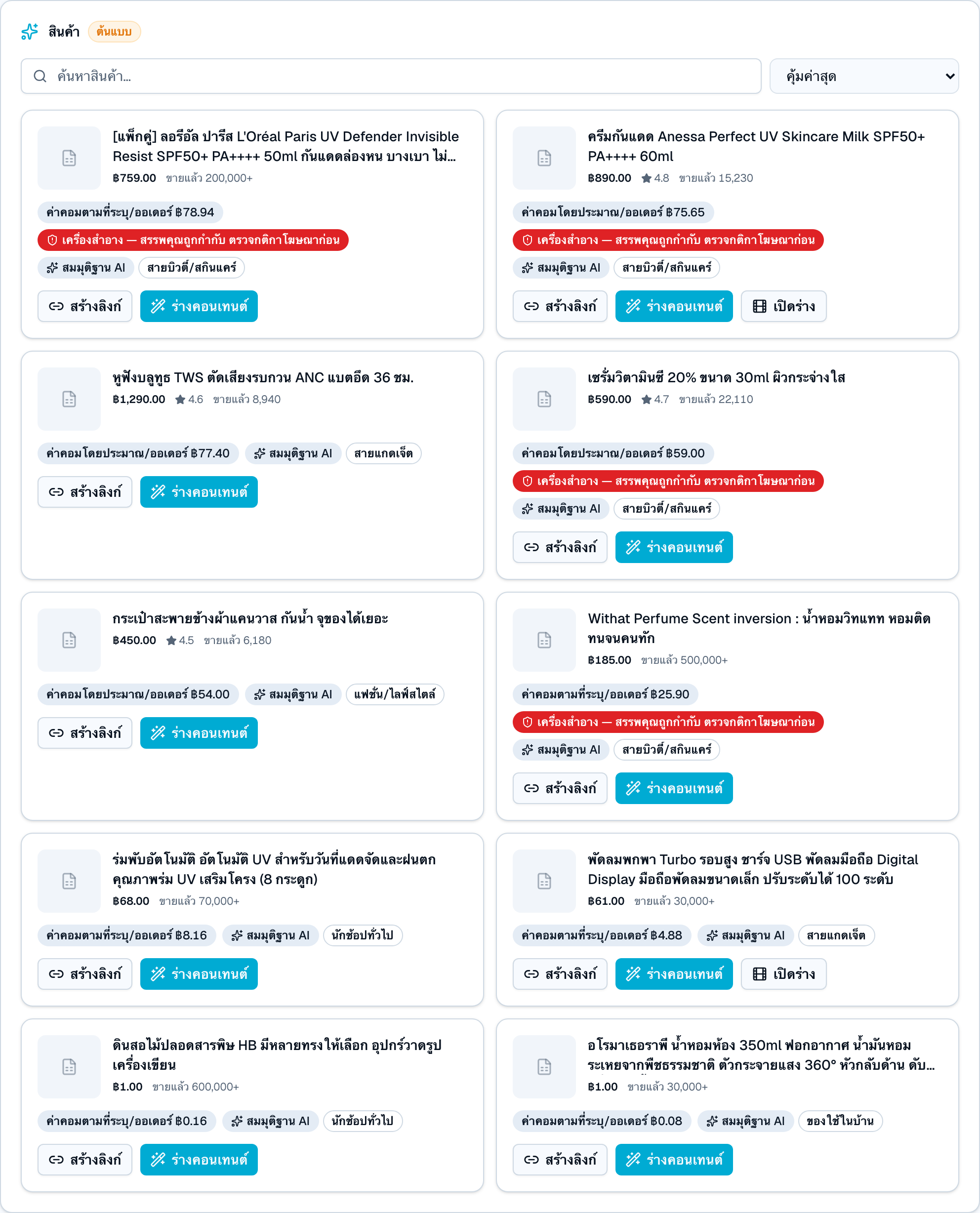 Full size
Do this
Picking a product by hand works and always will. This card is the other route: today's trends and today's headlines are read against your catalogue, and what comes back is a ranked list with an argument beside each row — and nothing is produced from any of it until you press a button.
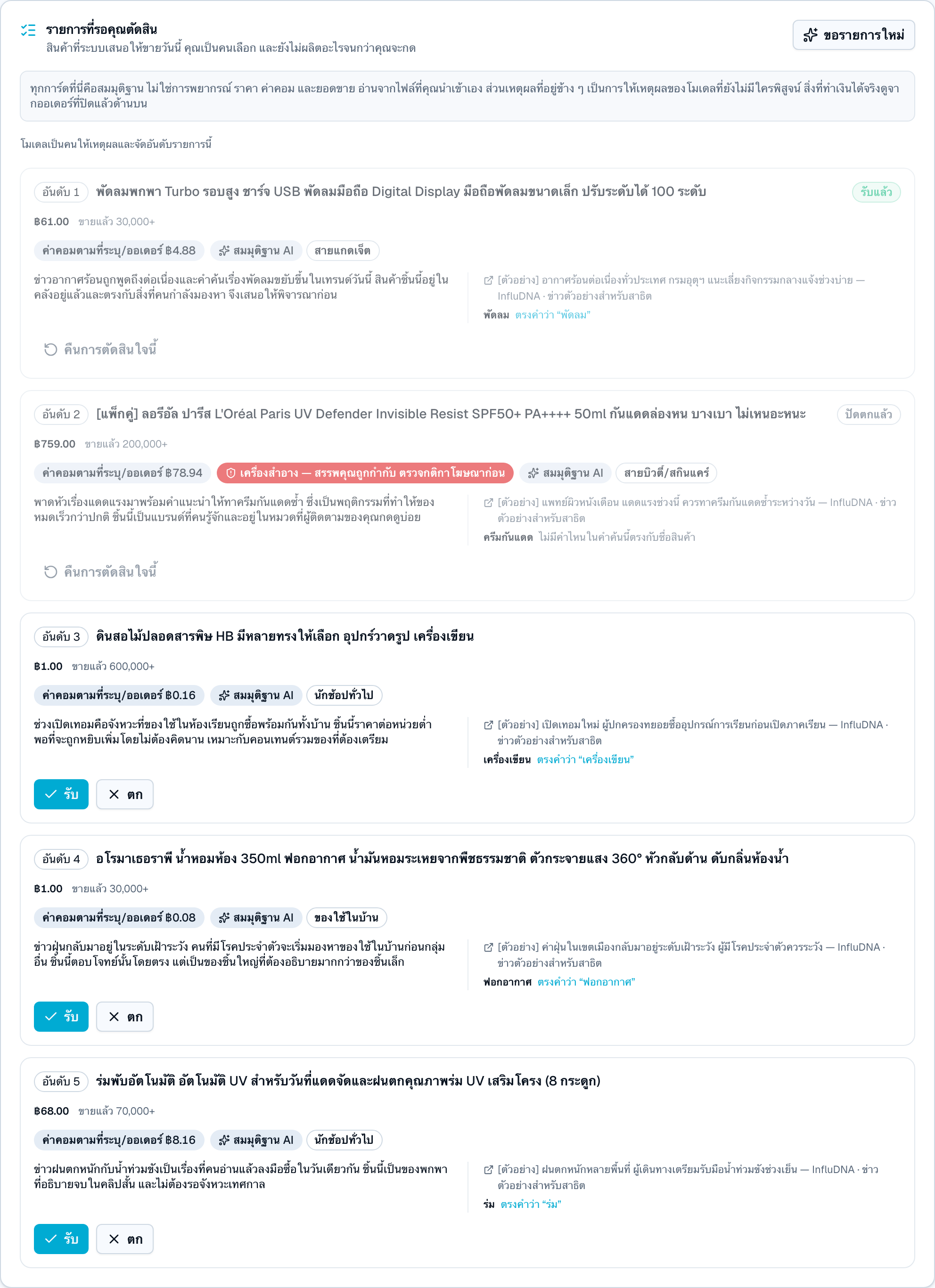 Full size
Do this
Why there is a human here at all
When it refuses
This dialog is the whole product. It is the moment you read what the AI wrote, watch what will actually be posted, and then take responsibility for it. Work down the screen in order.
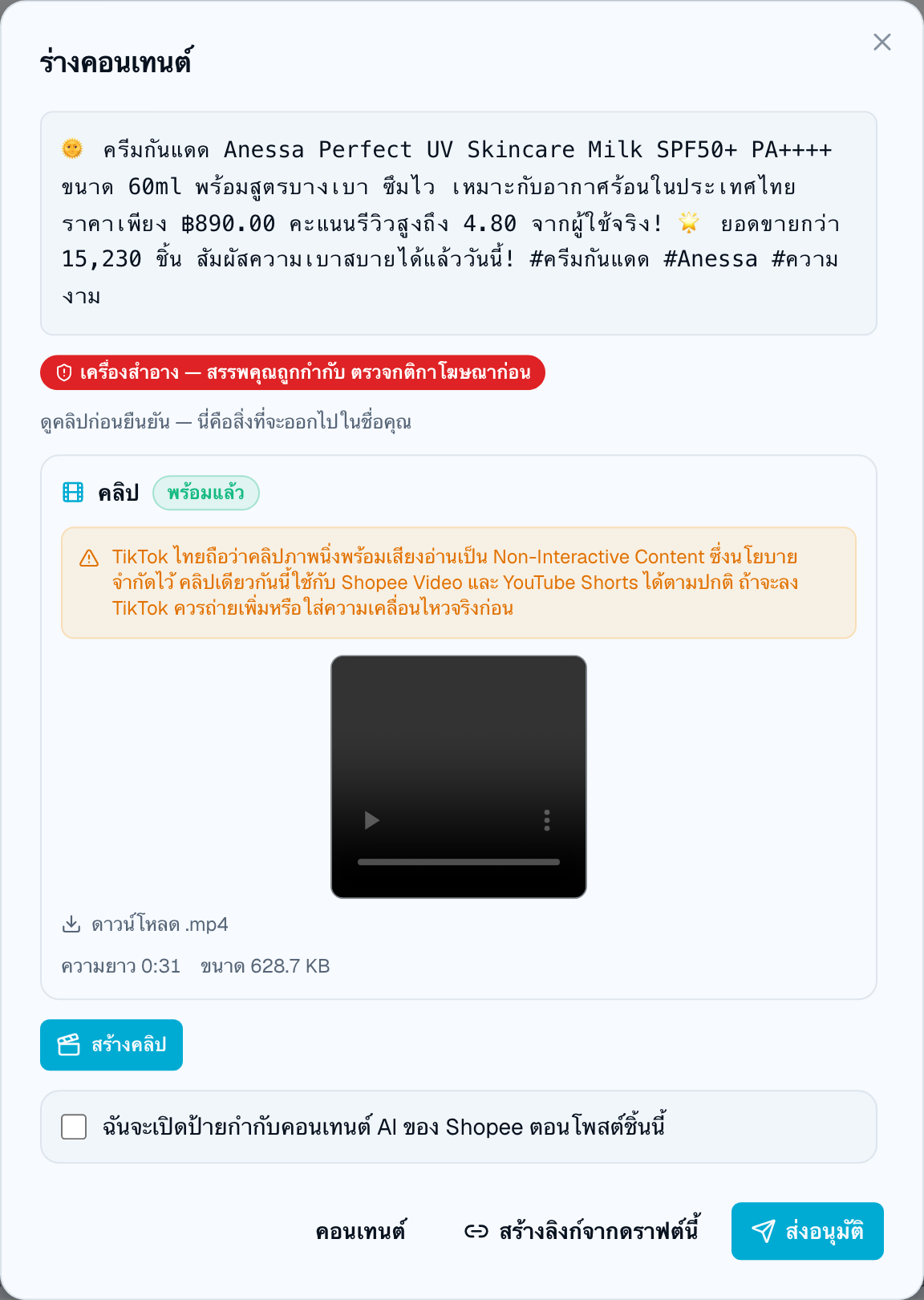 Full size
Do this
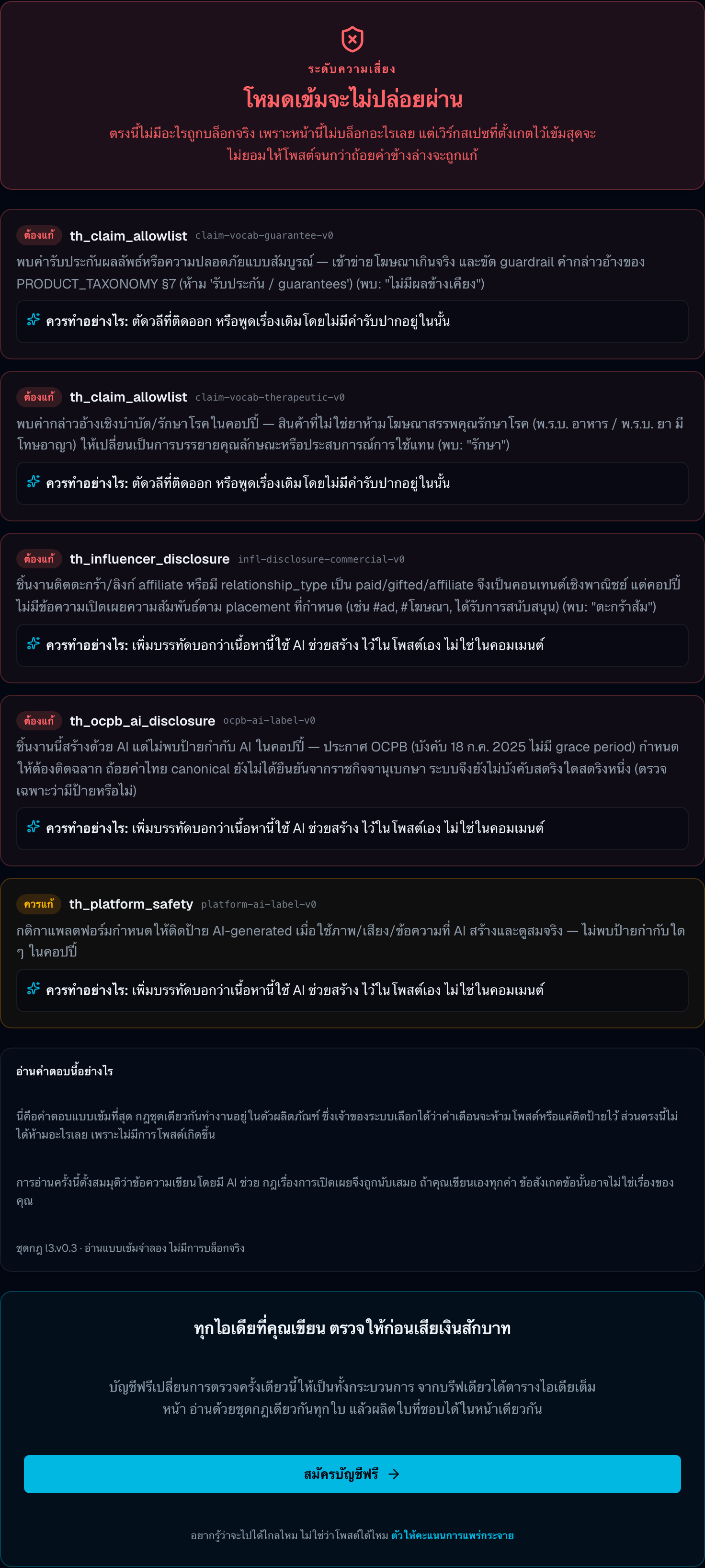
The compliance gate runs twice, and the first run is before the AI writes anything
If the clip is still images with a voice-over, TikTok is a problem
When it refuses
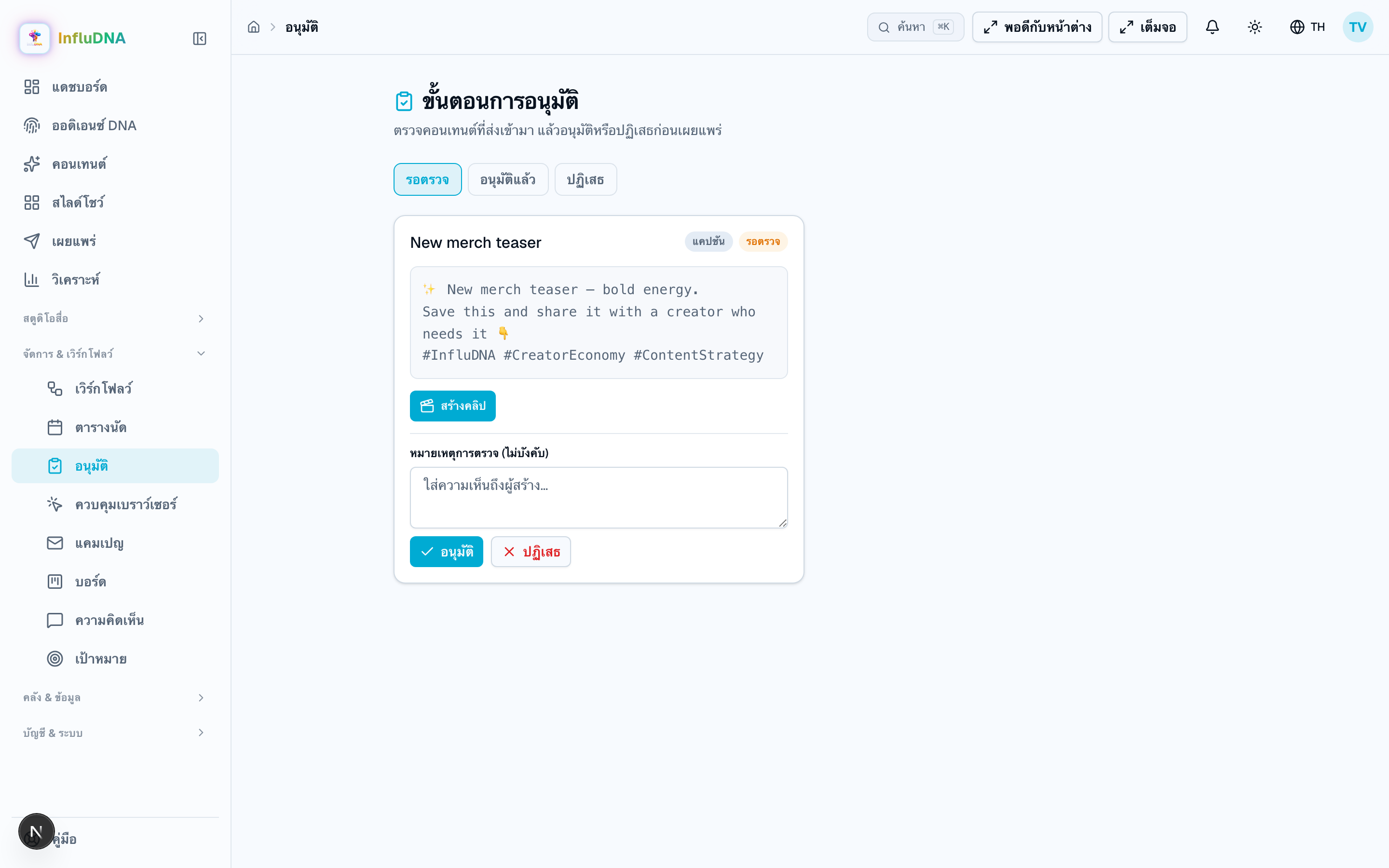
Nothing reaches a platform without passing through here. There is no setting that skips it, and turning on automatic posting does not skip it either — it only changes who presses send afterwards.
Full sizeDo this
Scheduling is not approving
When it refuses
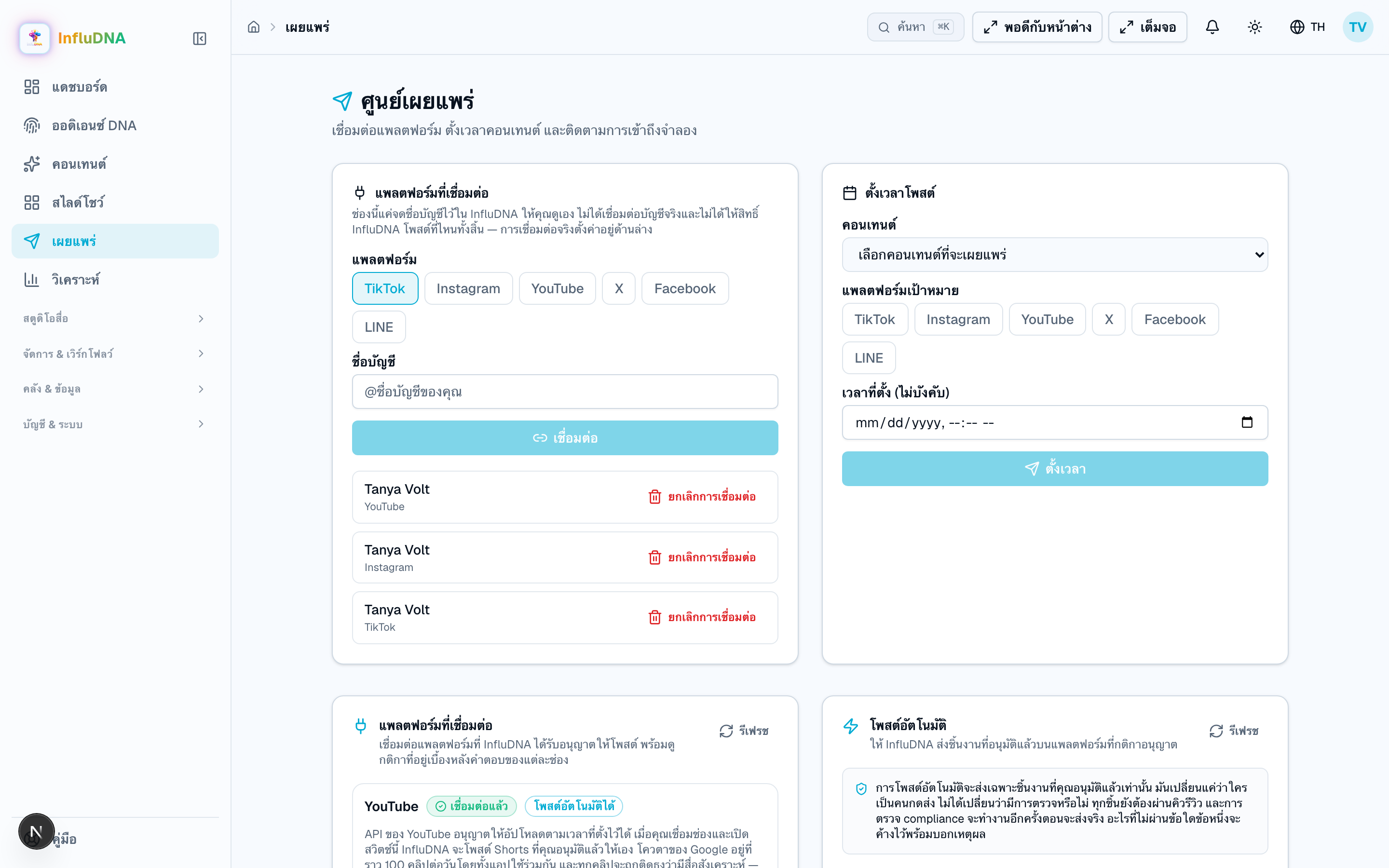
Two different endings, and which one you get depends on the platform. InfluDNA posts for real to YouTube and LINE only. Everywhere else it hands you a package and you post it yourself.
 Full sizeFull size
Do this
Every YouTube upload lands as Private
A LINE post is not a post
“Publish now” on TikTok, Instagram, Facebook or X posts nothing
Automatic posting, if you want it
When it refuses
Affiliate Copilot → Performance · Analytics · Dashboard
Three screens show numbers and they do not all mean the same thing. This is the part of the app most likely to be quoted at somebody, so it is worth being precise.
Full sizeFull sizeSection 8 · Training & certification
Six steps. Follow them once and somebody will hold a certificate a stranger can check — and you will know exactly which parts of that claim the product will stand behind and which it refuses to.
Read this before you plan anything as a live
Prepare
Do this
Prepare
Do this
Get the material in
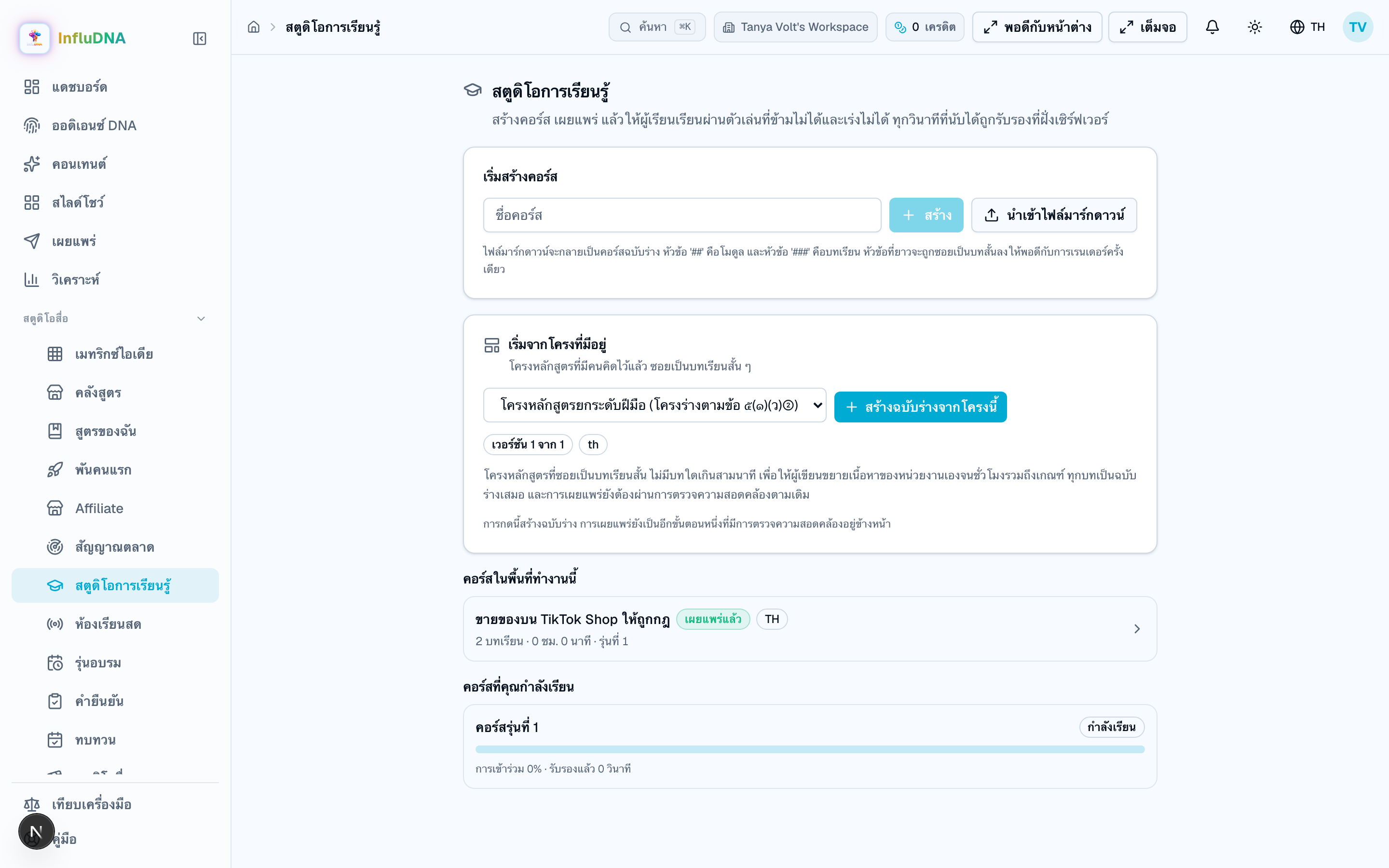
Learning Studio
Write the questions
A course → Questions
Publish
A course → Publish
Sit it
The player
Pass and be certified
Assessment → the certificate card
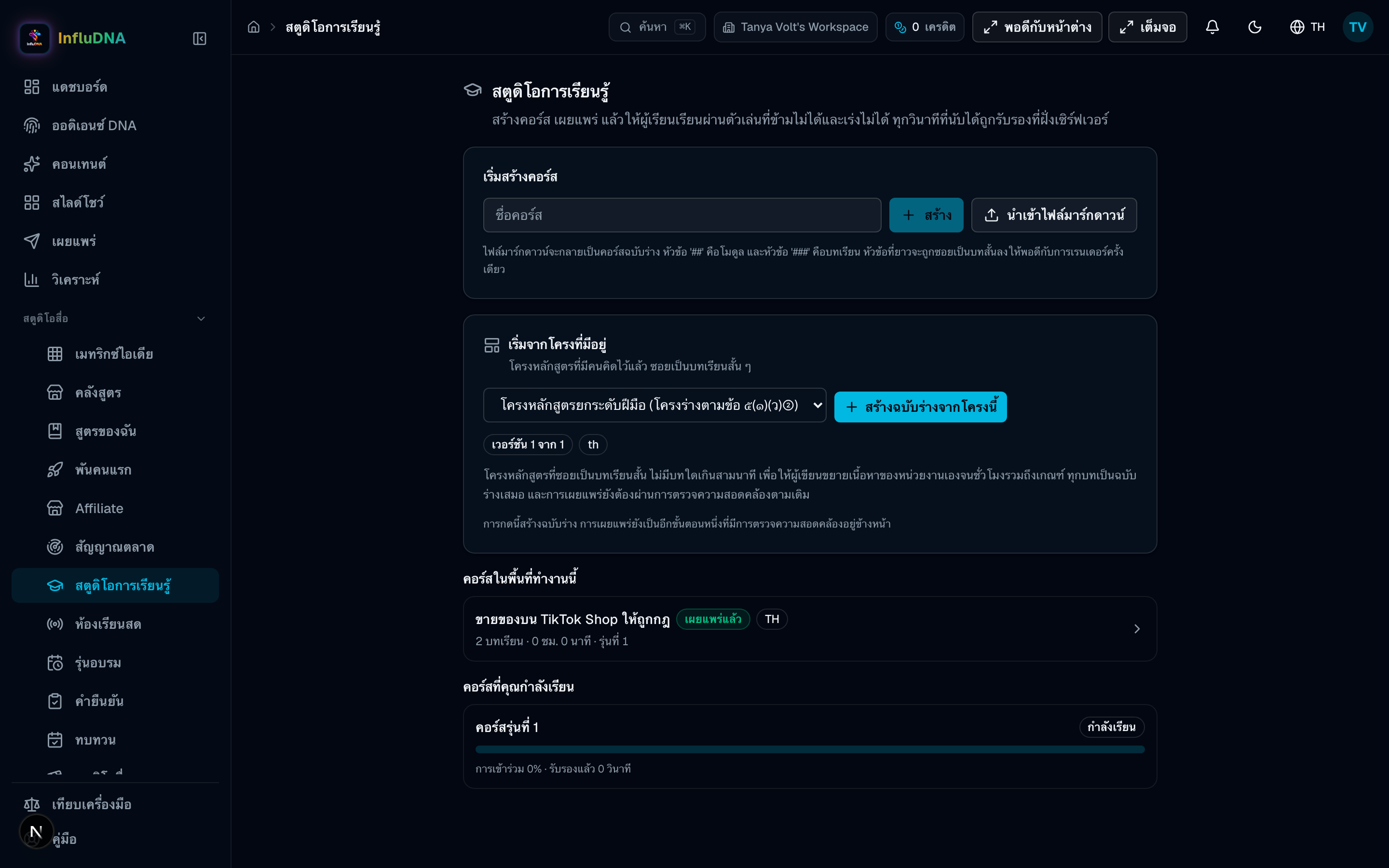
Four ways in, and all four land in the same place: a draft. Nothing on this screen publishes anything, and that is deliberate — publishing is a decision a person makes with the compliance checklist in front of them.
Full sizeDo this
When it refuses
Learning Studio → a course → Questions
This is the step people skip and then meet as a 422 after they have written a whole course. Four question kinds, an answer key marked on screen, and one save that replaces the entire set.
 Full size
Do this
When it refuses
One button, and it is not reversible in the way people expect. Publishing freezes the structure so that a record made against this course keeps meaning what it meant on the day it was made.
Do this
When it refuses
Learning Studio → Enrol and open the player
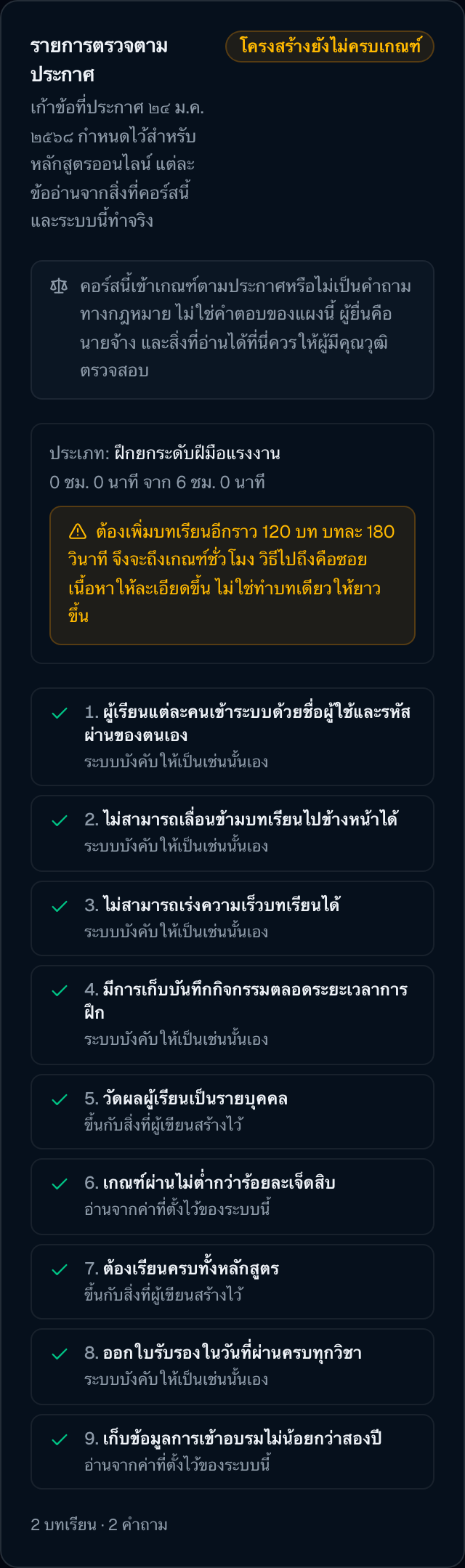
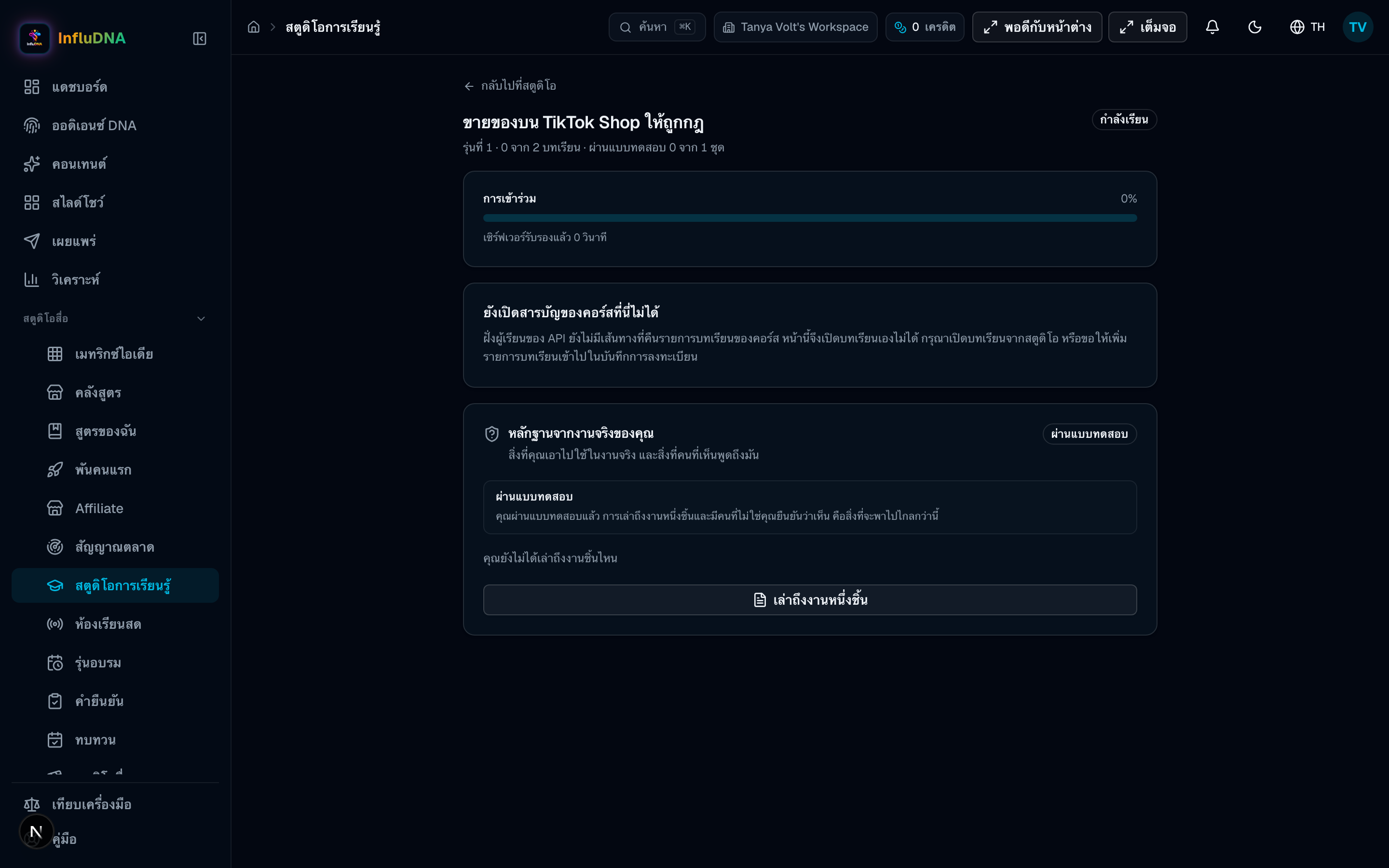
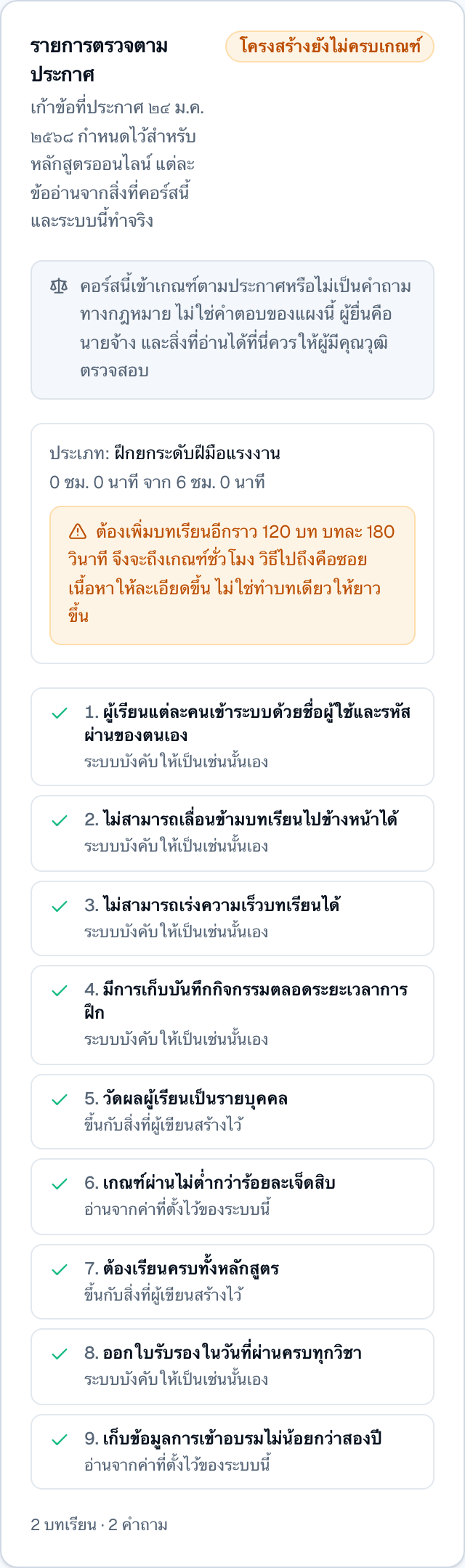
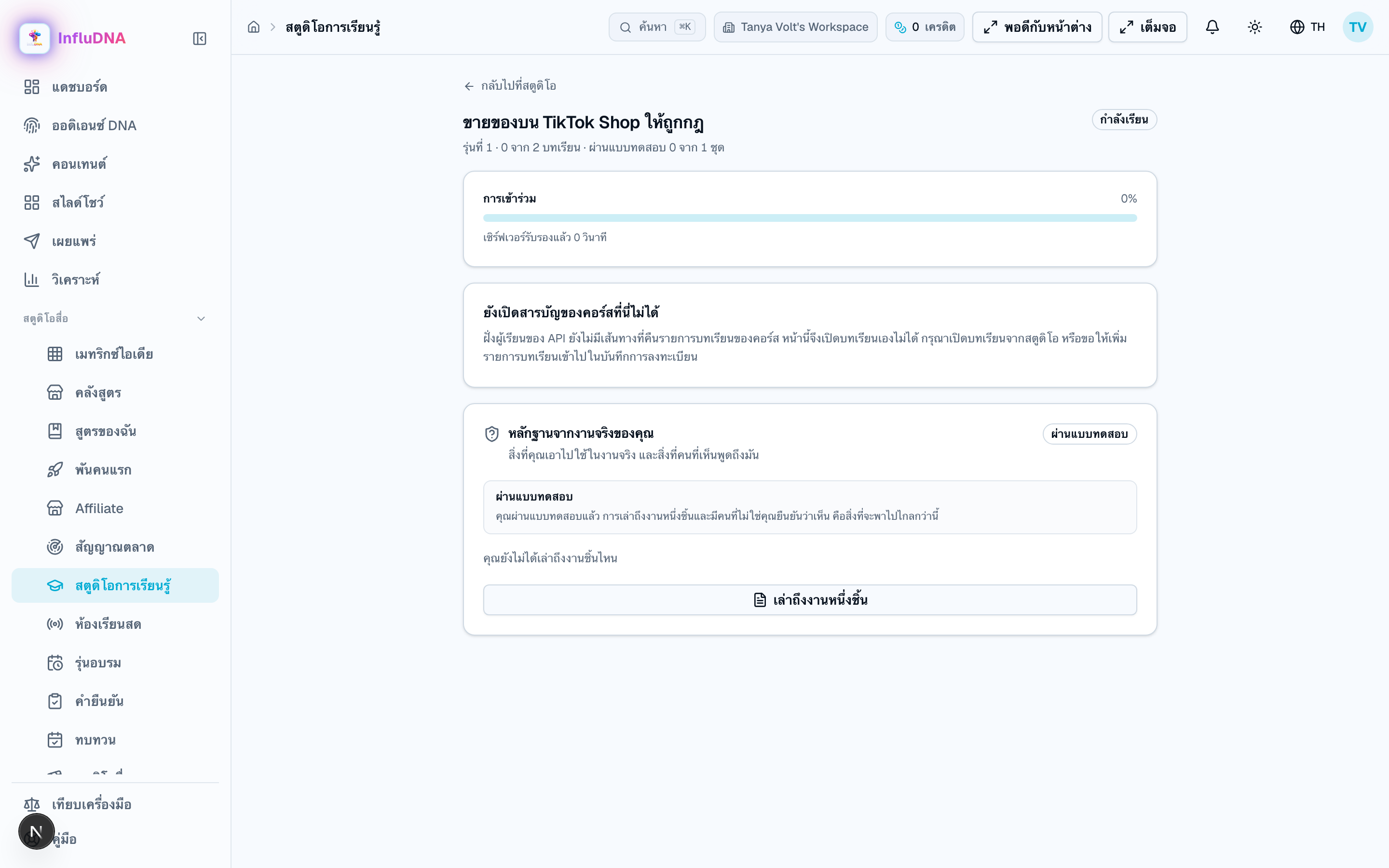
This is the only screen in this app whose behaviour is written down in a government announcement, and the interface is built so that it never offers a control the announcement forbids. The server is the thing that actually decides; the player's job is to not contradict it.
 Full size
Do this
When it refuses
The player → Assessment, then the certificate card
The assessment is marked on the server against the answer key — the key is never in the page. What comes out the other end is a link and a QR code that anybody can resolve without an account.
Do this
When it refuses
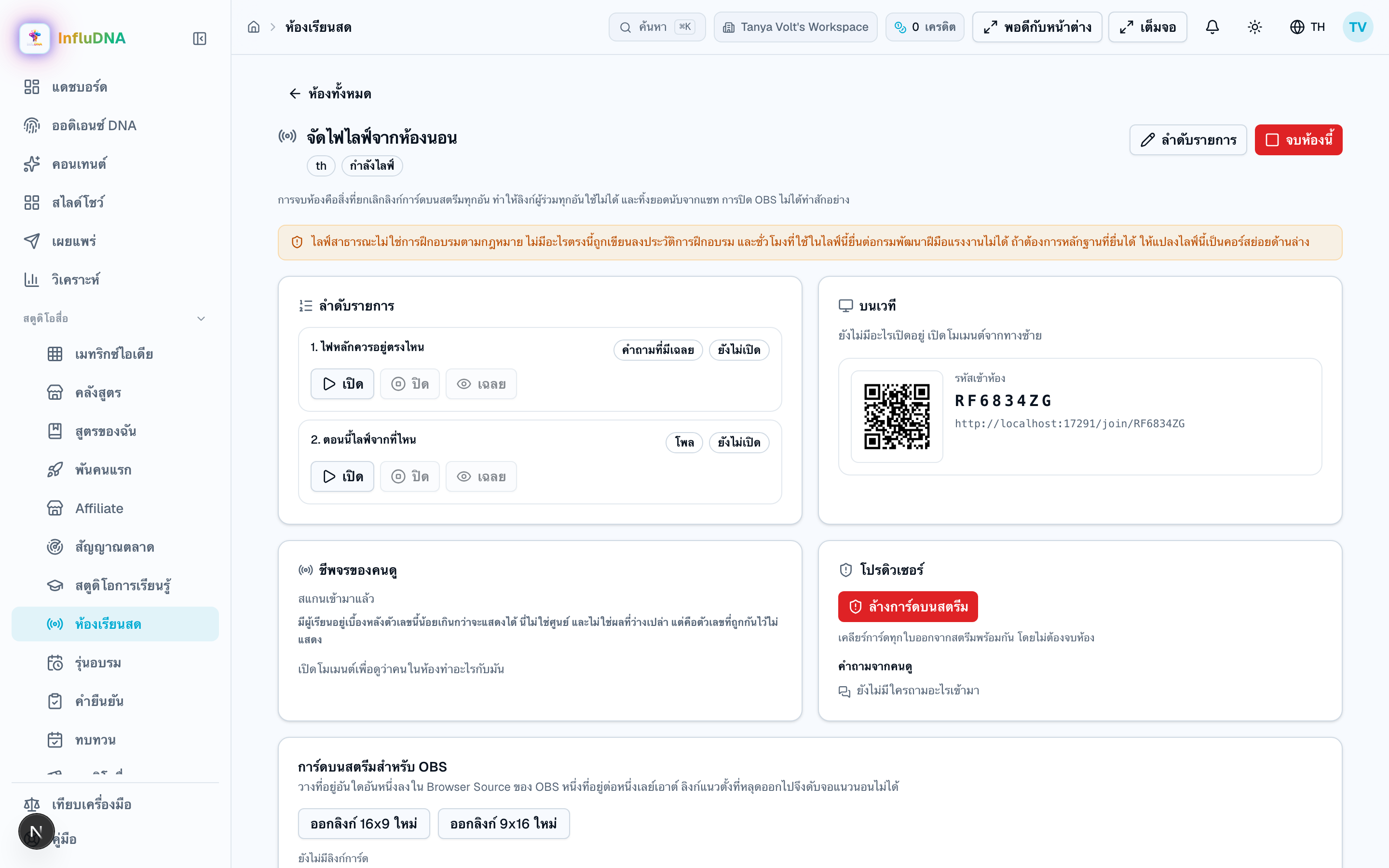
A live is the fifth step of this job rather than a job of its own, because the thing a live produces is the micro-course afterwards. Read the amber line at the top of every live screen before you plan anything around it.
Full sizeDo this
A public live is not statutory training, and no setting can make it one
A chat tally is engagement, never knowledge — and the two blocks are never added together
A figure below the group threshold is withheld, not zero — and the screen says which
The way through: turn the live into a micro-course
When it refuses
Section 9 · Ideas, brand & sharing
Six steps, ordered by when the money leaves: the brand kit first because it is free and changes everything after it, and the clip last because it is the only step you cannot undo by editing a line.
Prepare
Do this
Prepare
Do this
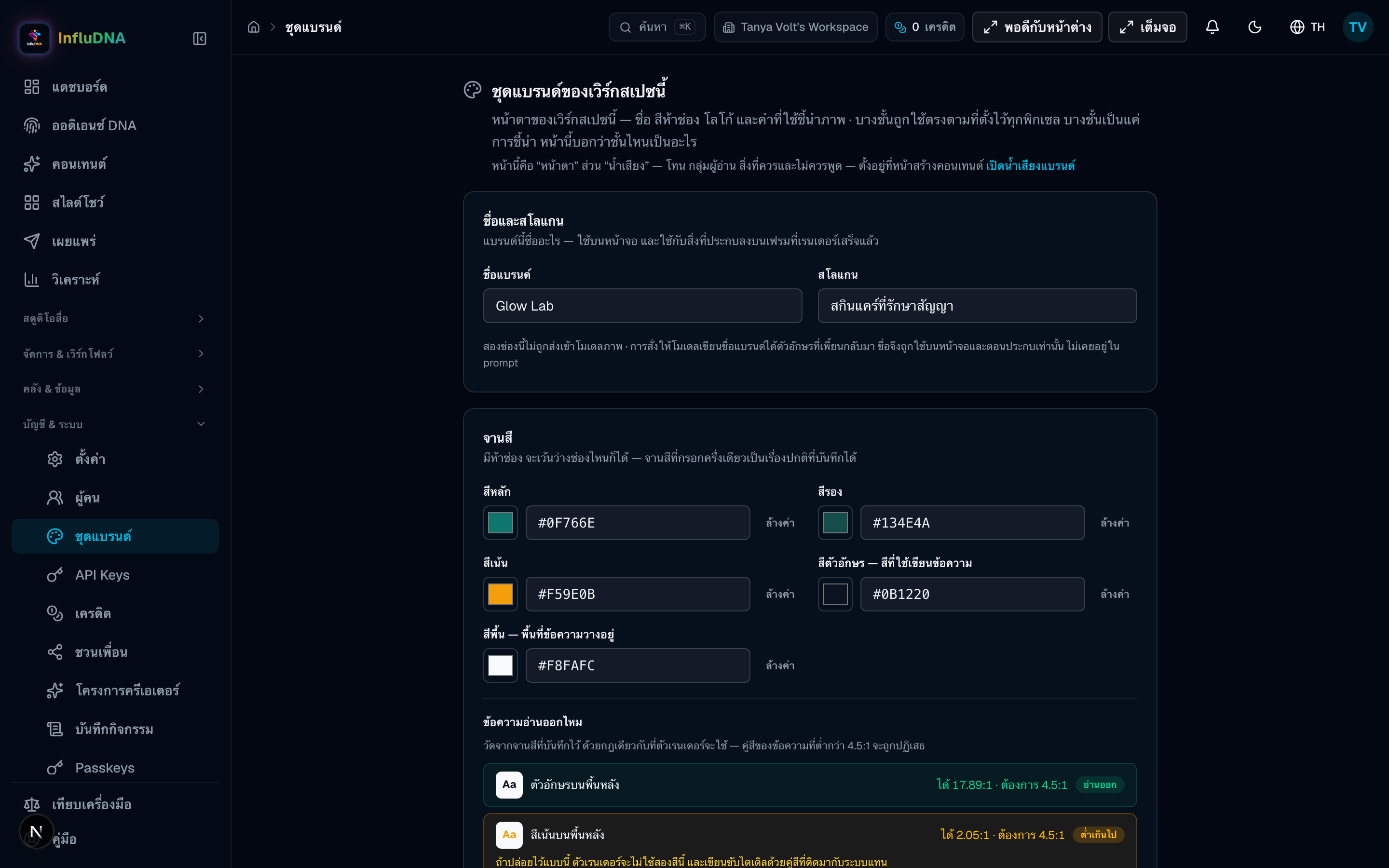
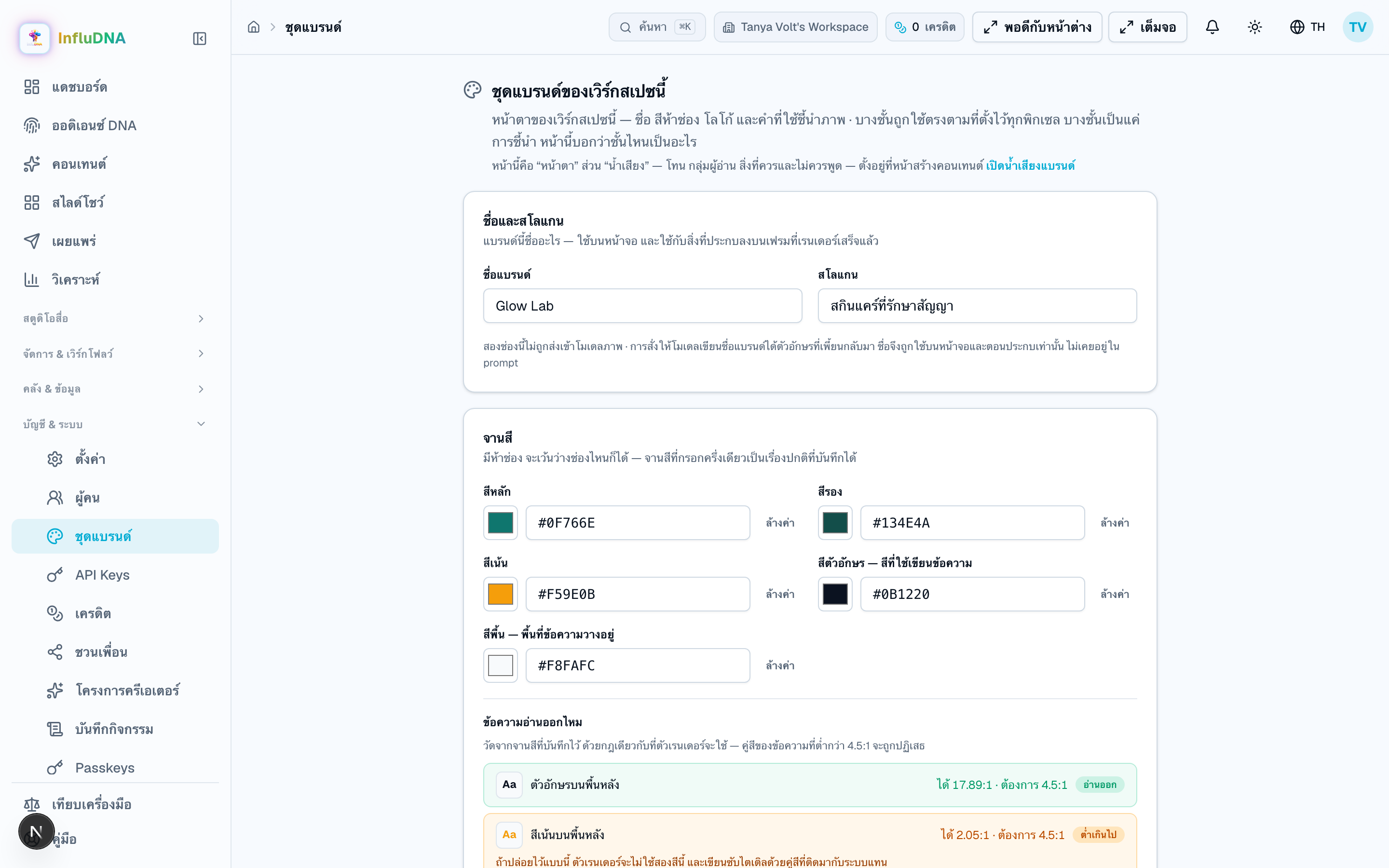
Set the look
Brand kit
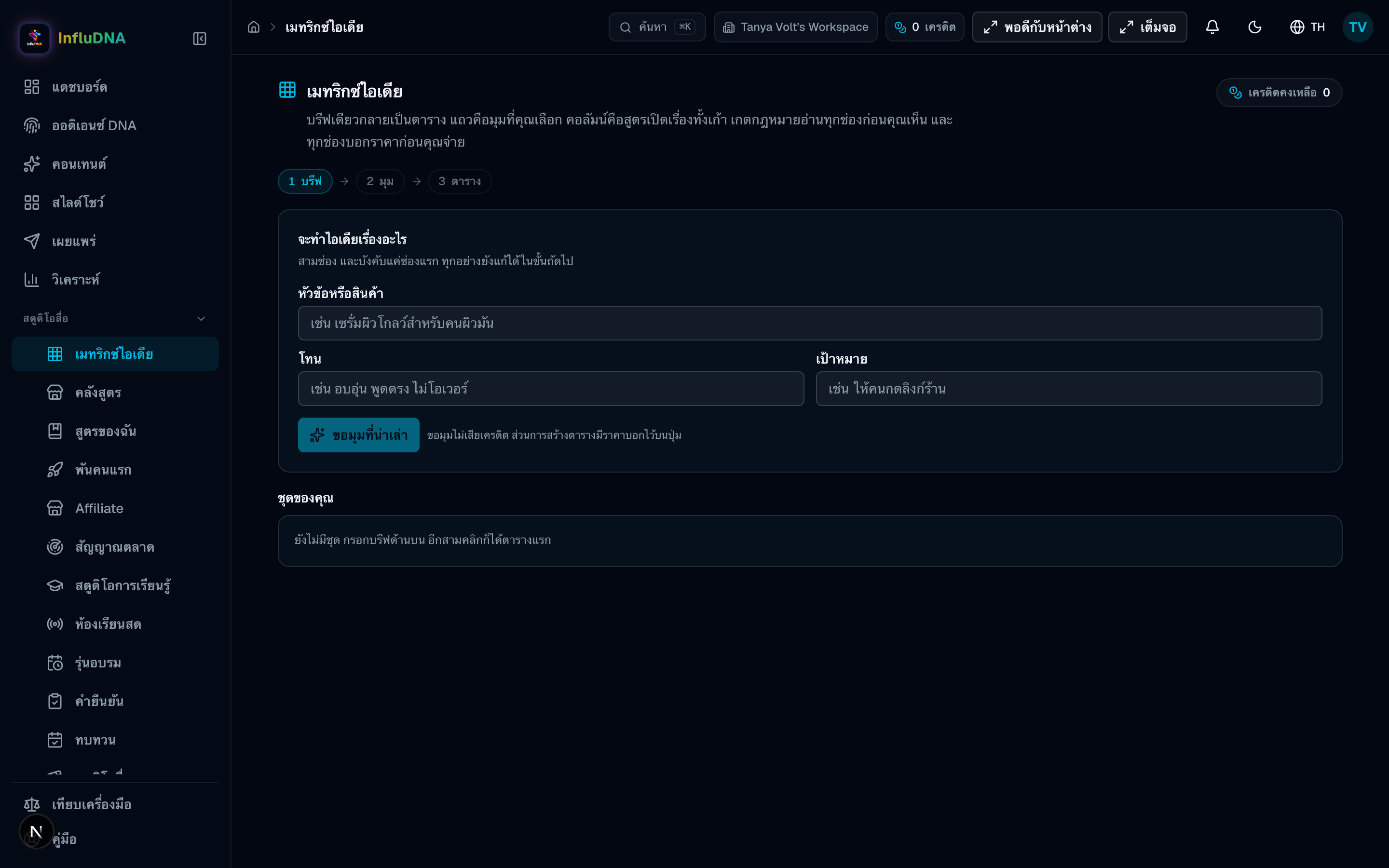
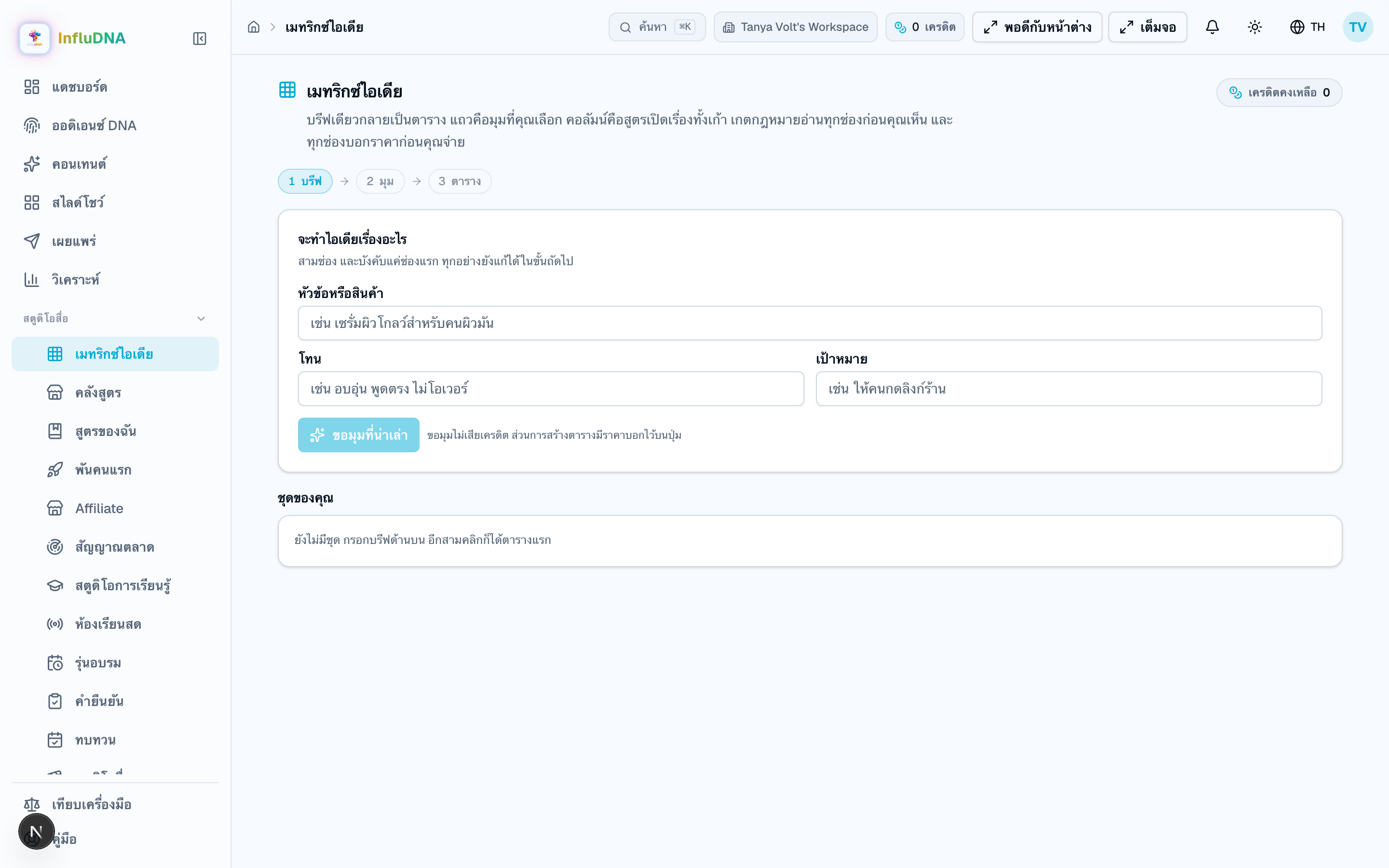
Build the grid
Idea Matrix
Check the set
Check the whole set → the report
Produce
The grid → Produce
Make the clip
A produced cell → Turn into a clip
Read what it did
A square → What this one did
This page is split down the middle on purpose, and the split is the thing to read. One half is drawn by this app pixel by pixel and obeys you exactly. The other half is a sentence handed to an image model, which may do as it likes with it.
Full sizeDo this
Nothing here makes a picture match your brand
When it refuses
Three boxes in, a grid out: your angles down the side, nine opening formulas across the top. The compliance gate reads every cell before you see it, and every button that spends credits carries its price on its face.
Full sizeDo this
When it refuses
Idea Matrix → Check the whole set
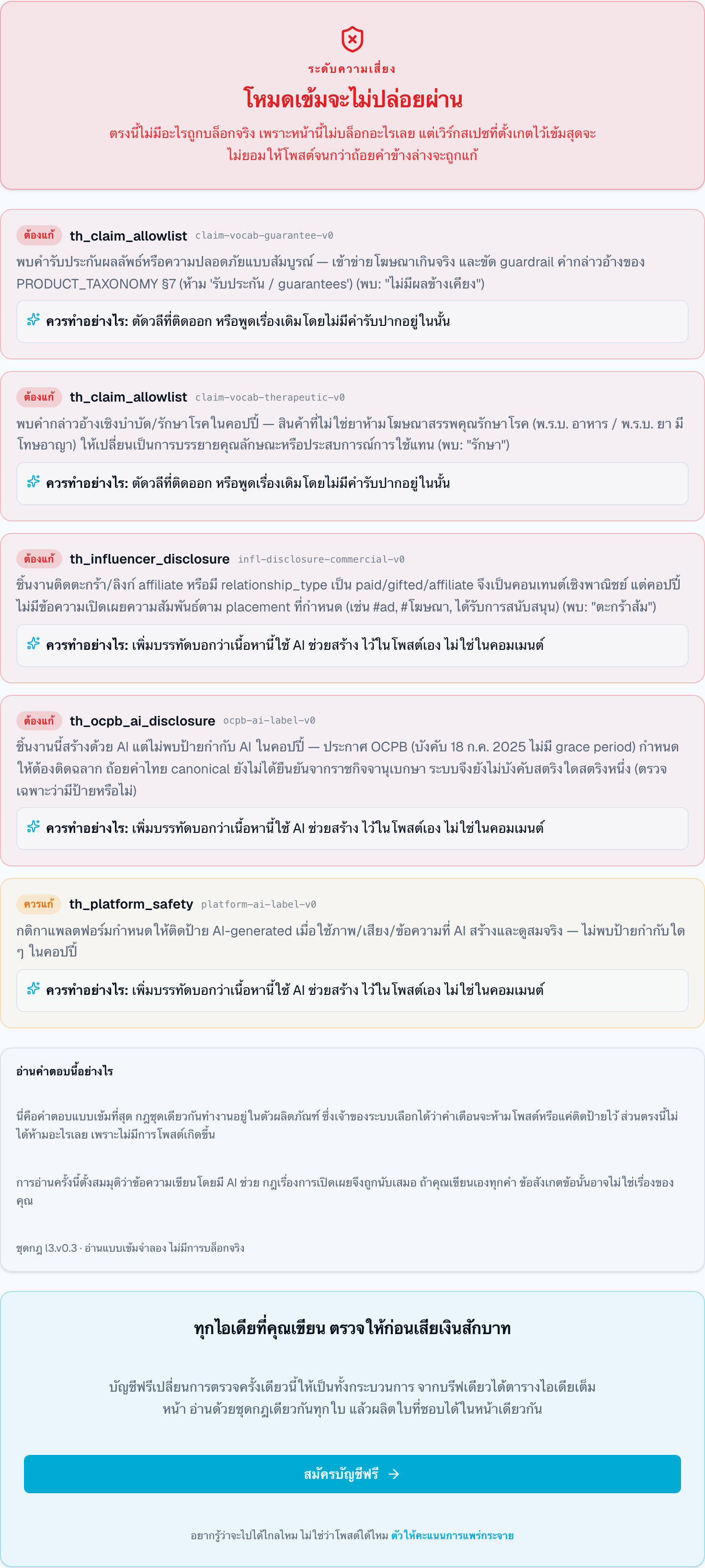
Each cell carries what the gate found when the set was written. This button re-reads every one of them against the rulebook as it stands now, and turns the answer into a document you can print.
 Full size
Do this
When it refuses
The grid is written; nothing in it has been produced. Tick the cells worth having, read the confirmation, and press once. What lands is a set of drafts in your content library — nothing is posted anywhere.
Do this
Your image spend reads as “unpriced” until an owner types the rate they actually pay
When it refuses
Idea Matrix → a produced cell → Turn into a clip
There is no whole-row and no whole-grid button here, and that is stated on the control rather than left to be discovered. The aspect ratio is not part of your brand — the same brand ships 9:16 to TikTok and 16:9 to YouTube on the same afternoon — so it is chosen per clip, by where it is going.
Do this
When it refuses
This is the reason the grid is a grid: each square carries its own tag into the link it produces, so an imported order can be traced back to the idea that earned it. Read the state chip before the number — four of the five states mean there is nothing to read yet.
Do this
When it refuses
The single most common misunderstanding about this app is what it can post and where. This is the whole answer.
Connect with Google sign-in. Needs an approved item with a rendered clip. Uploads always land as Private and always carry the synthetic-media flag. Google's quota is roughly 100 uploads a day shared by the whole app.
No sign-in: an admin pastes one Official Account token and everyone on the server shares it, so check the account name before you opt in. LINE VOOM has no posting API. Broadcasts spend monthly quota per follower and cannot be recalled.
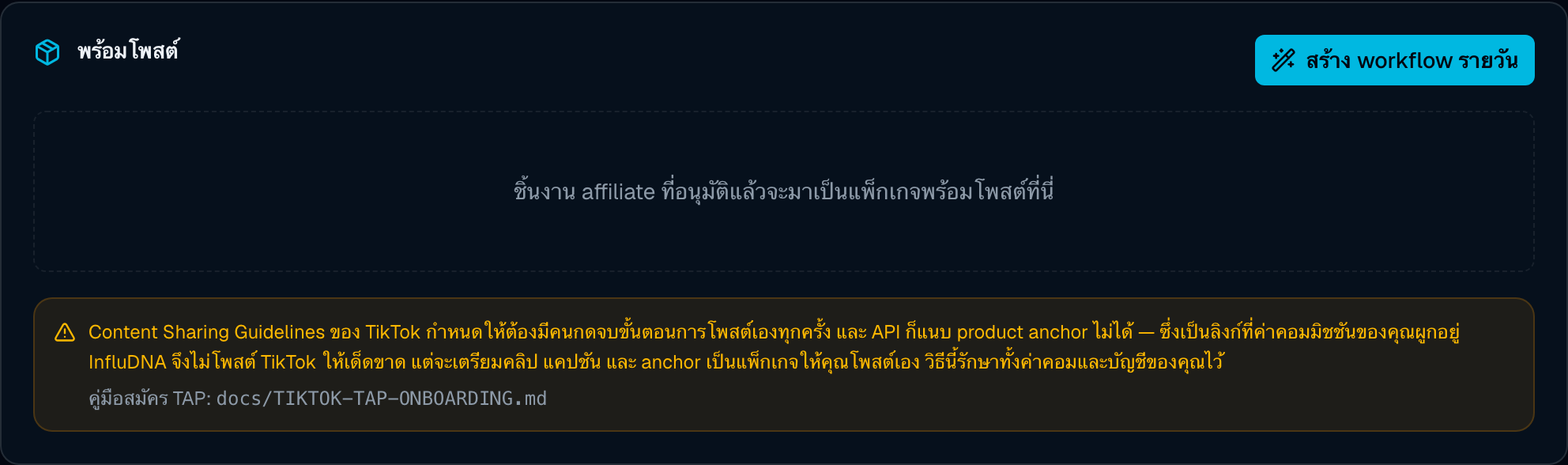
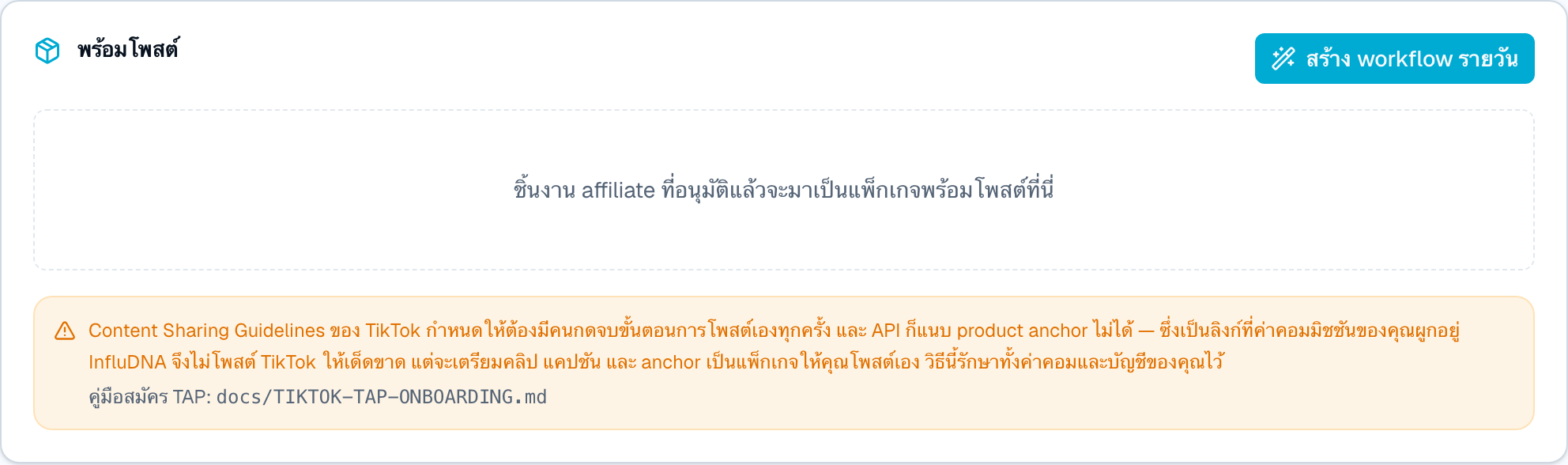
InfluDNA never posts to TikTok. Its guidelines require a person to complete every post and its API cannot attach the product anchor your commission depends on. Take the package — caption, link, .mp4 — and post it yourself.
There is no connection to these yet, so posts to them are simulated and labelled as such. Anything shown against them is made up. Use the package here too.
The default channel for affiliate links, and where the clip usually belongs. Remember what you ticked in the draft dialog: turn on Shopee's AI-content disclosure toggle when you post.
These chapters expand selected pages from sections 1, 3, 5, 6, 8 and 9 of the whole-app map — the tools each job reaches for, rather than the steps of any one job.
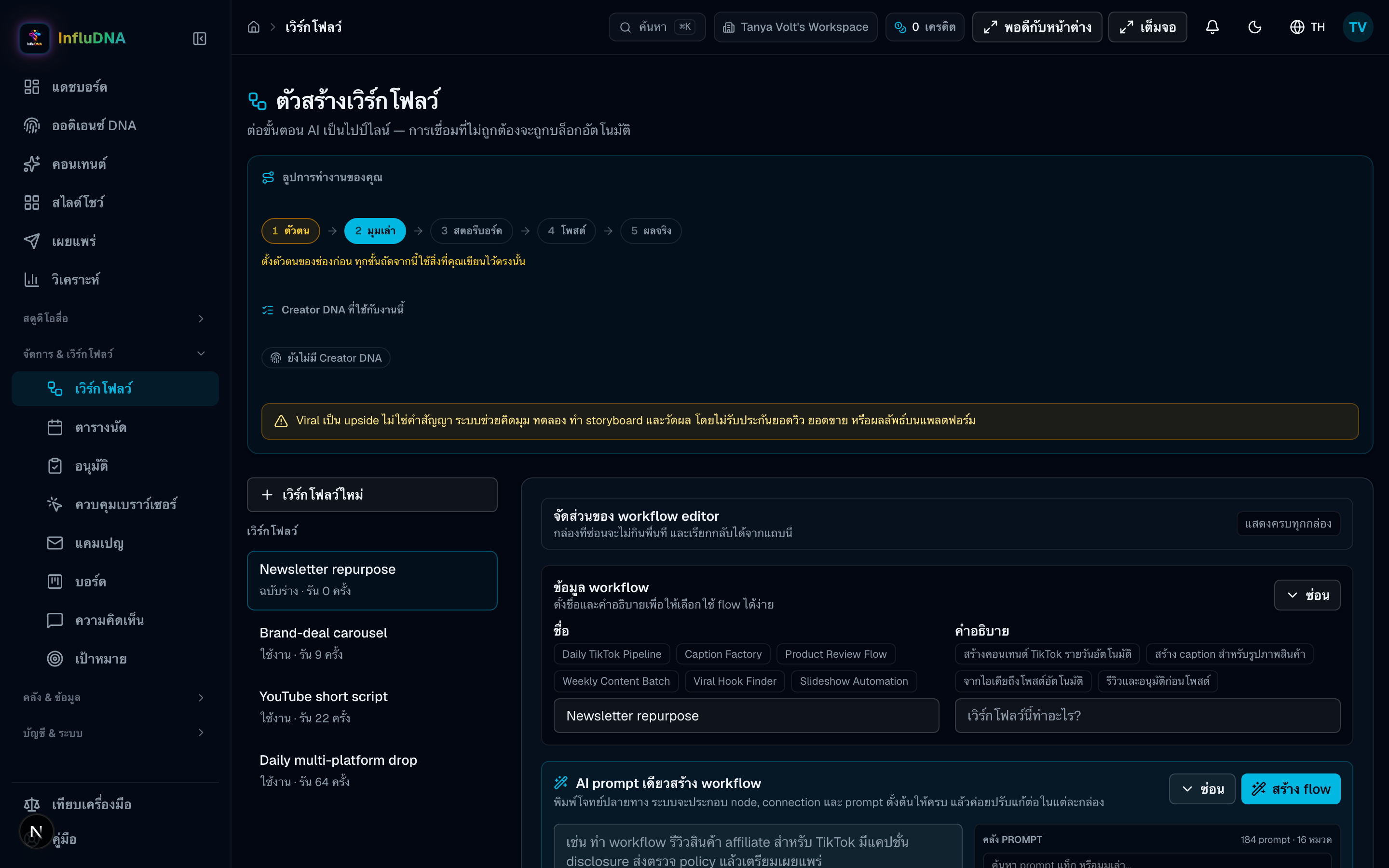
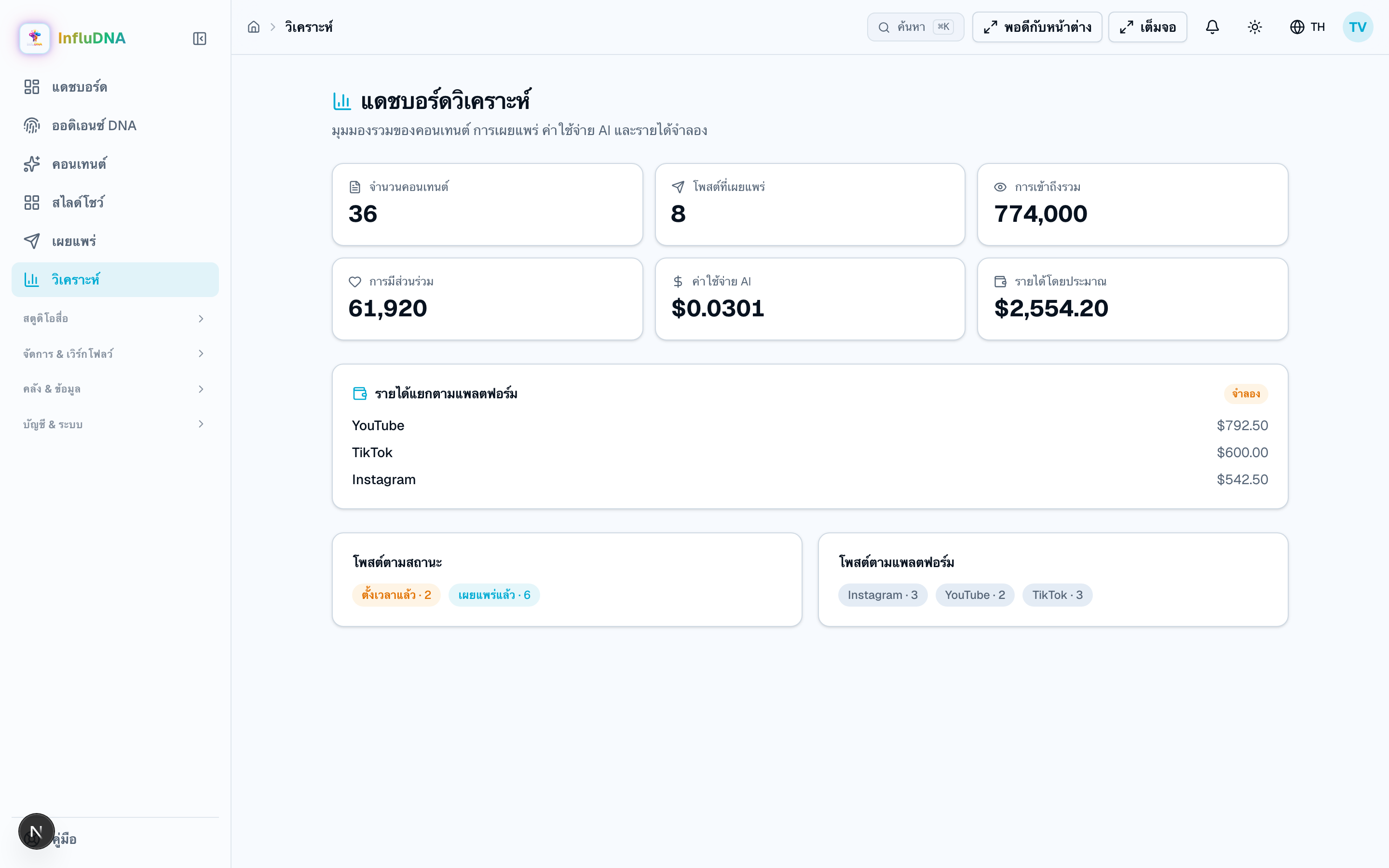
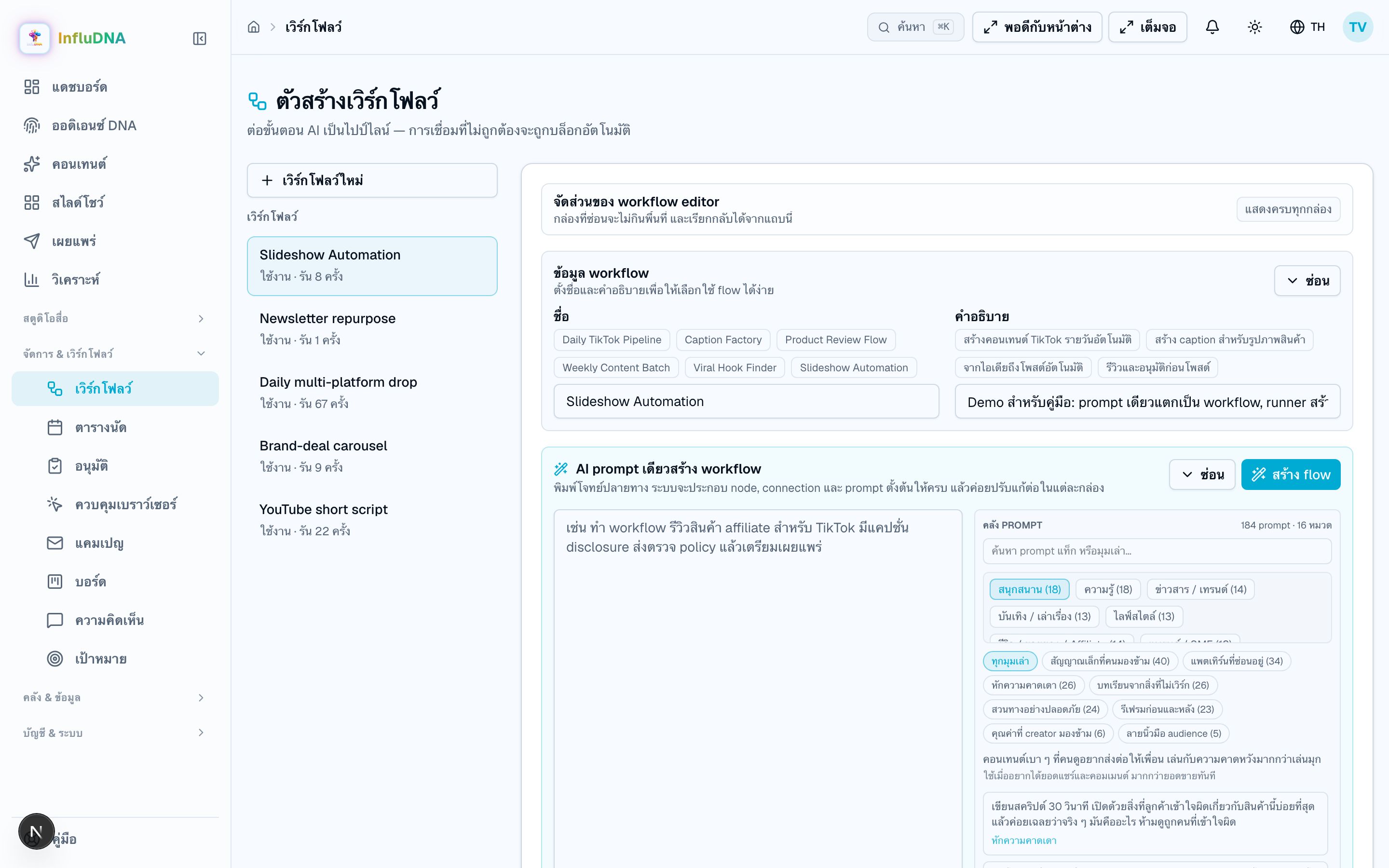
Chain the steps above into something that runs on a schedule. “Create daily workflow” on the Ready-to-post card builds the five-step affiliate version for you and drops you here to set the hour.
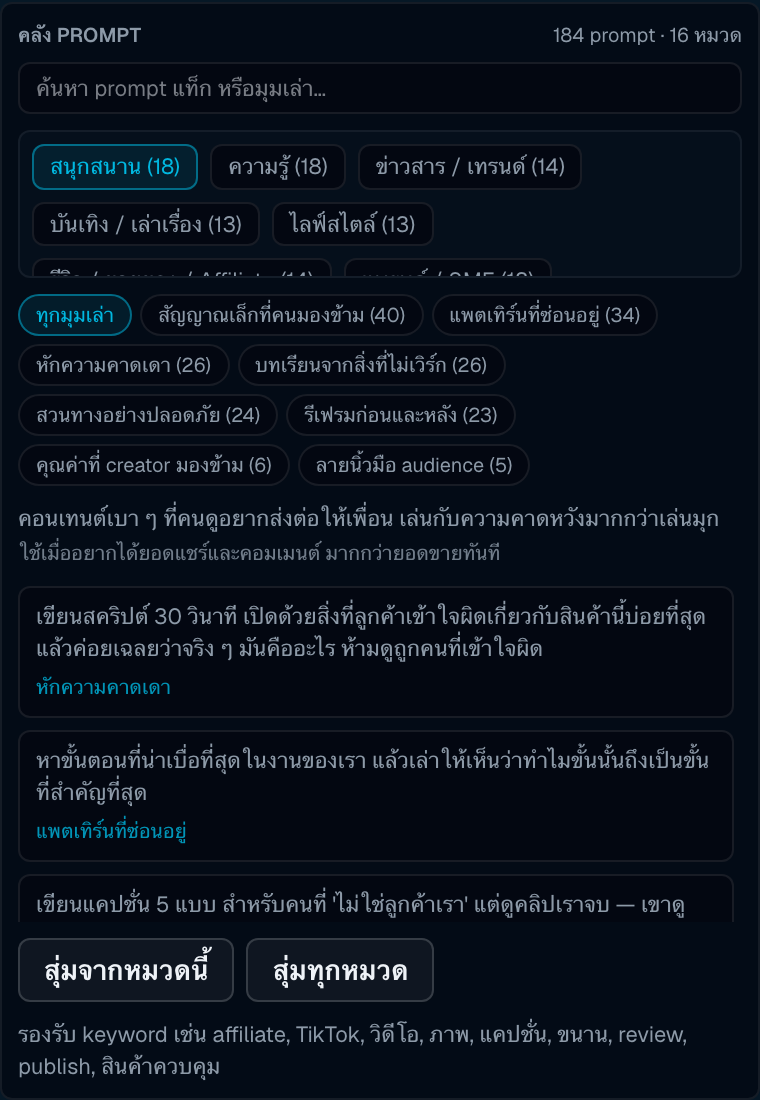
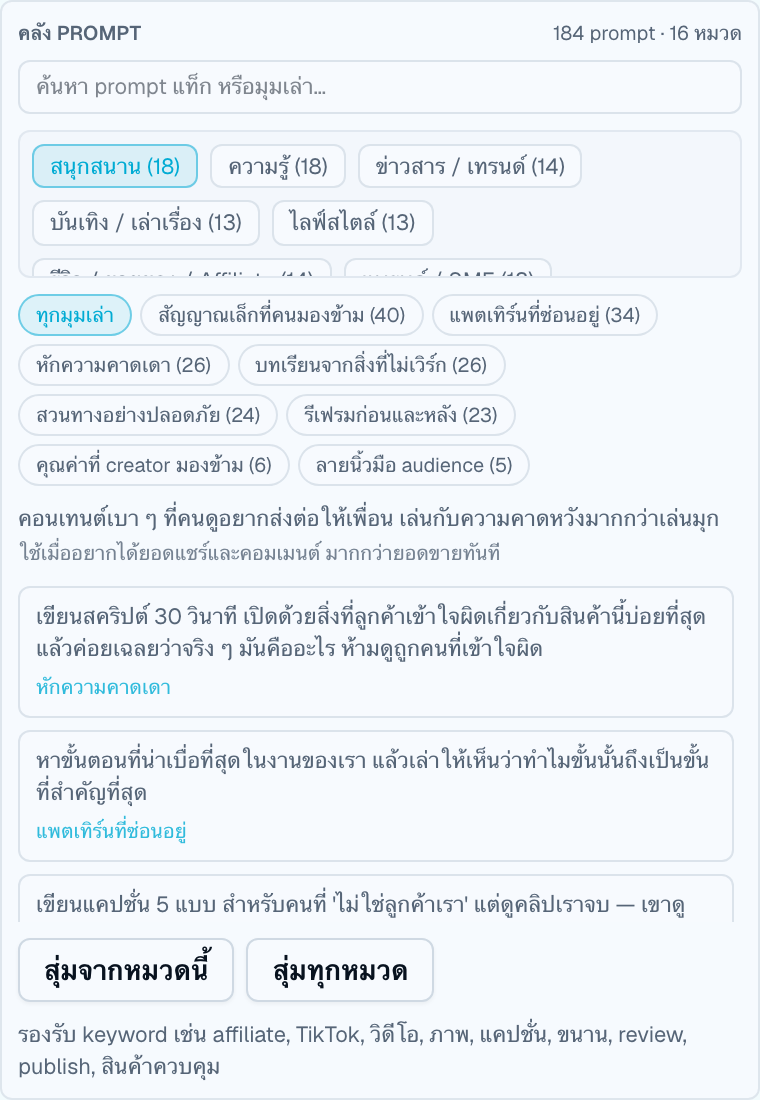
Full size184 starting points in 16 categories, inside the “Create a workflow from one AI prompt” card. Click one and it fills the box; edit it before you build, because the wording is a starting point and not a spell.
Full sizeOn a text or caption step, Hook Doctor writes the same idea three ways — plain, with a twist, and proof-first — and keeps them as three separate things you choose between, rather than one paragraph you have to pull apart.
After creators rate a surprise result, the evidence report tells you two things that are deliberately kept apart: whether enough has been collected to read, and which way it came out. Neither one implies the other.
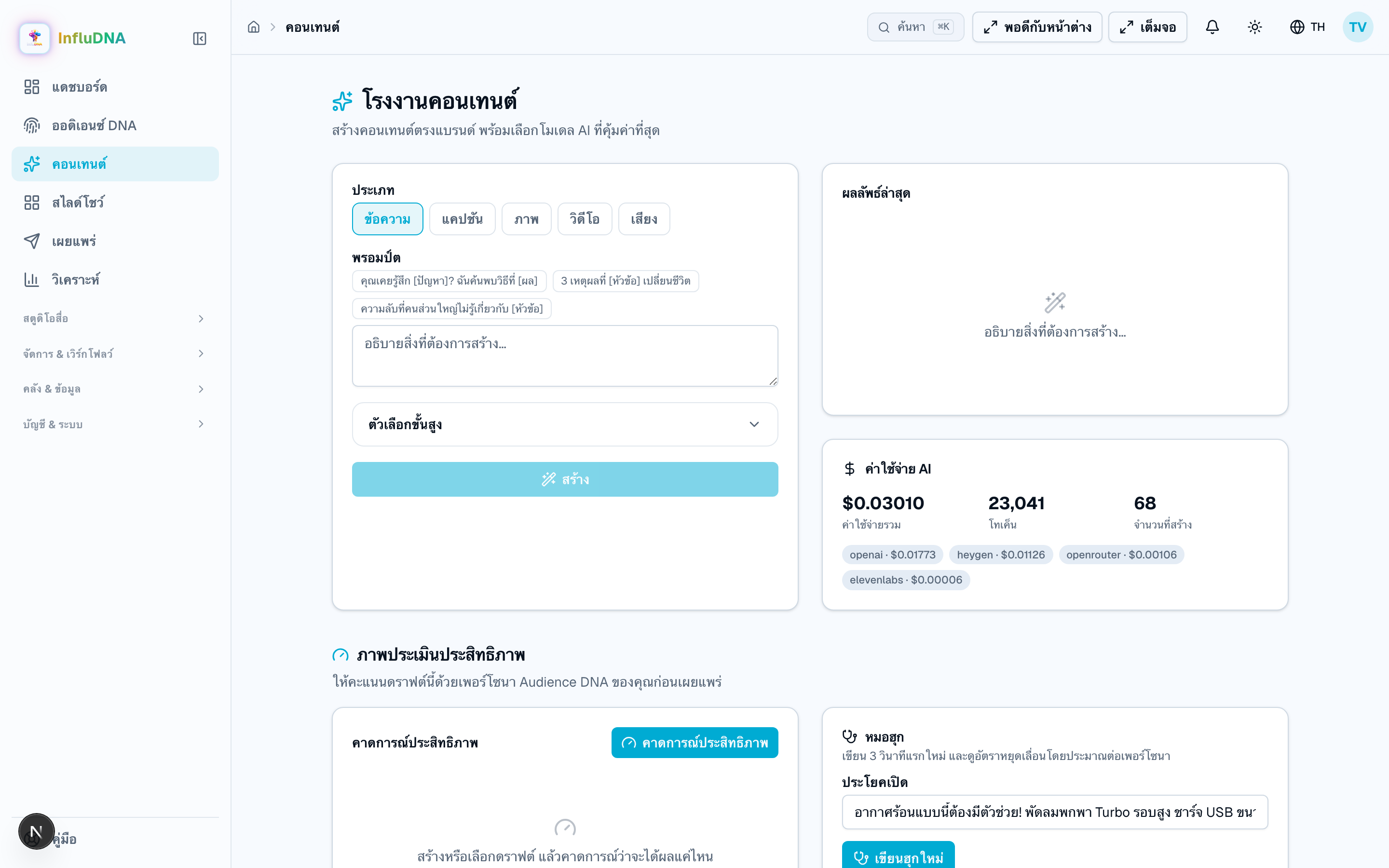
Free-form generation, outside the affiliate loop. Useful for captions and scripts that are not tied to a product.
Full sizeDescribe an audience, get three personas, and interview one before you commit to an idea.
Full sizeHow a course reaches an organisation's own learning system. Open it from a course: Standards panel. Its own summary is the honest one — “All of it ships switched off, and each card says what would switch it on.”
Assign one published version of a course to a group of people, inside a window, and keep the record of who has done it. Two tabs, and the difference between them is the whole design.
Three surfaces that read the answers already stored and try to be useful without overclaiming. Concepts and misconceptions from a course, a short list of what to work on next, and a review queue that brings questions back on a schedule.
The rung above a passed assessment is not something this app can measure, so it does not pretend to. You describe a piece of work; somebody who is not you says whether they saw it.
A recipe is a brief, the angles that worked and the words you like — no pictures, no links. Write one in My recipes; the gallery is where other people's appear, and nothing appears there without a human pressing a button.
Three money-adjacent surfaces, all of them off on a fresh install, and all of them built around the same refusal: no figure appears here that somebody did not really count.
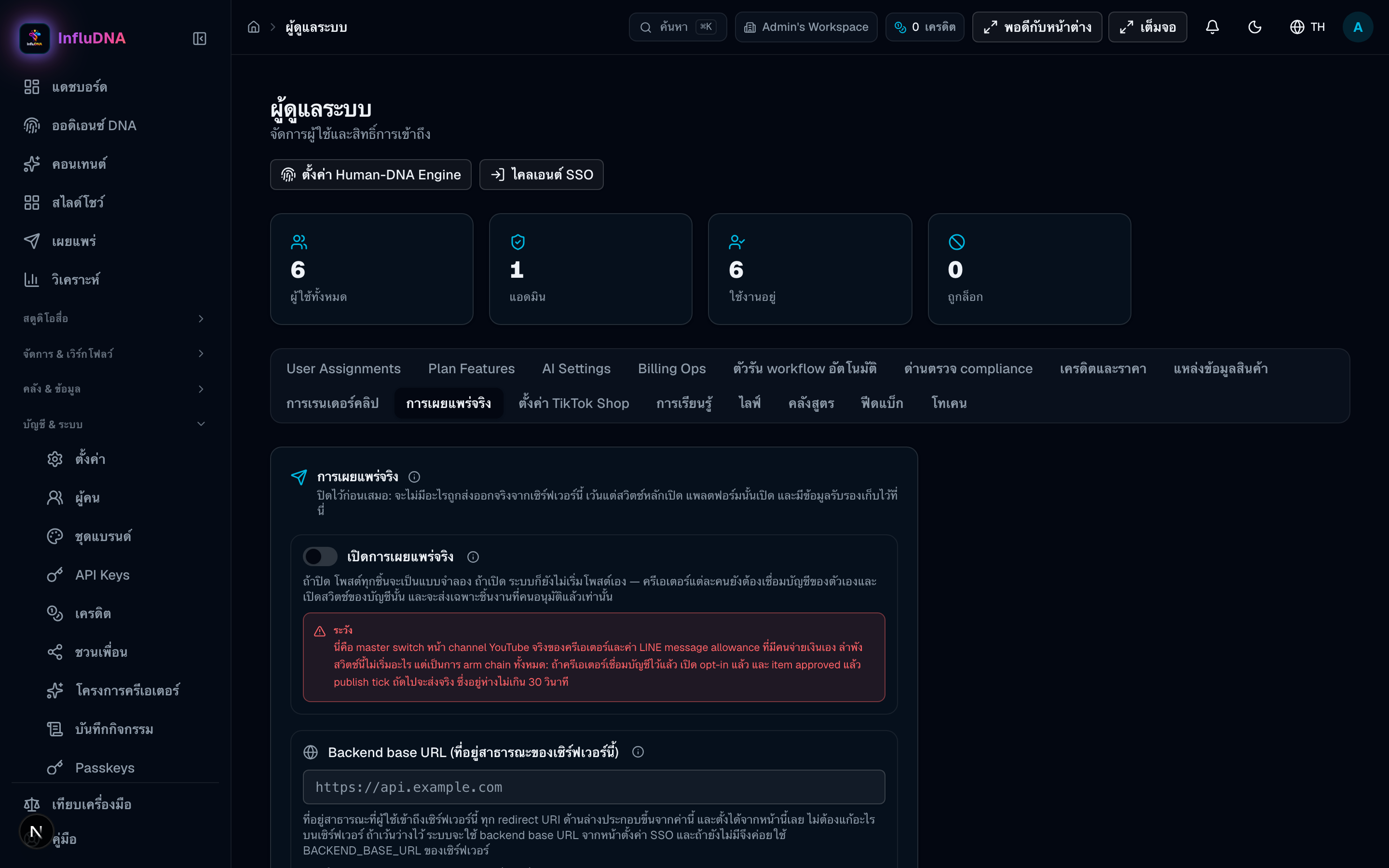
Several steps above end in “unless an admin enabled it”. These are those switches, under Admin. A creator cannot reach this screen.
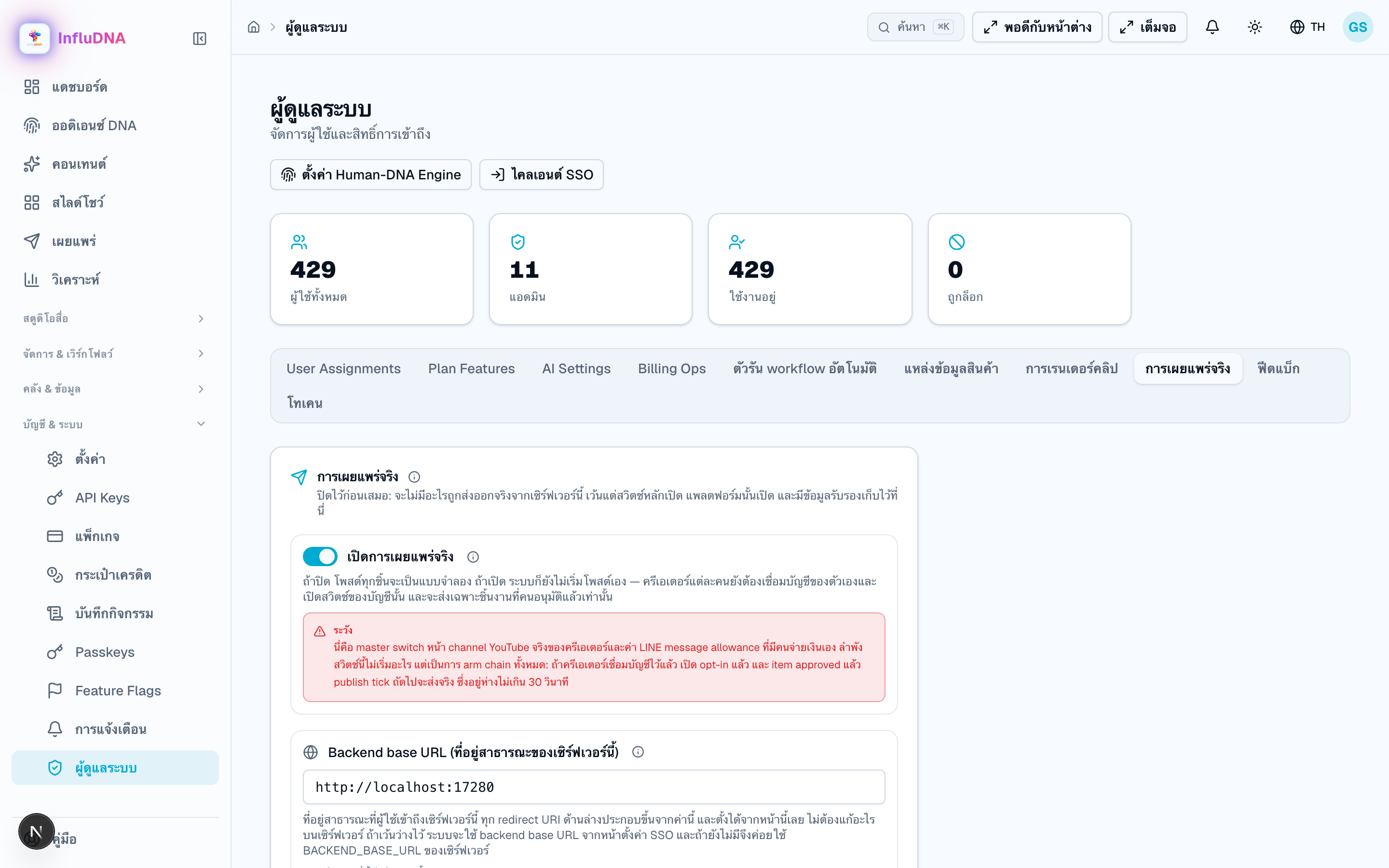
The master switch for real publishing, a switch per platform, YouTube's client credentials and the LINE Official Account token. With the master switch off, posts still appear and still say what they would have done, and nothing leaves the building.
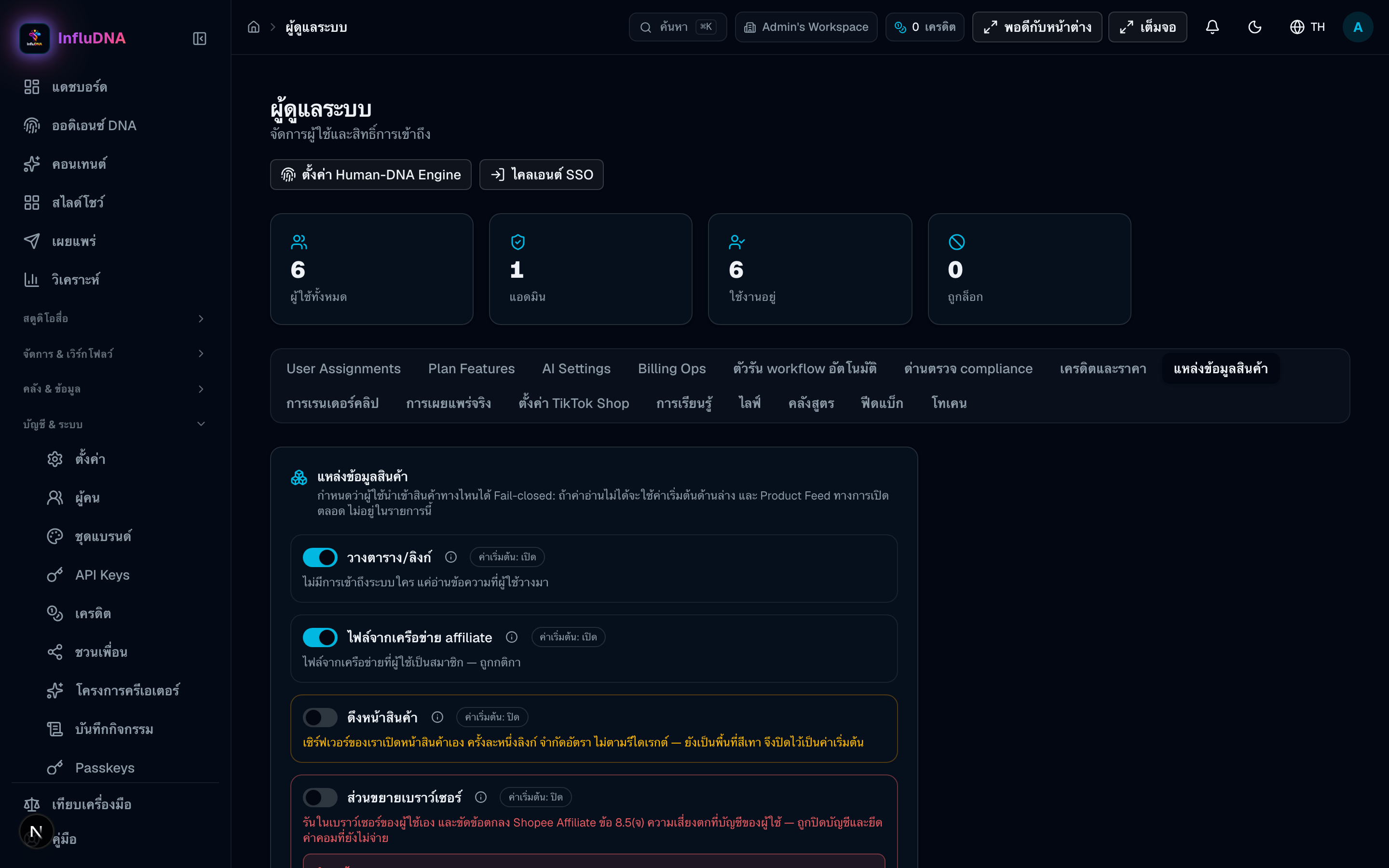
Full sizeWhich of the five import routes creators can see. A route switched off does not render at all on their side — no greyed-out card, no teaser. The Product Feed CSV is not switchable; it is always available.
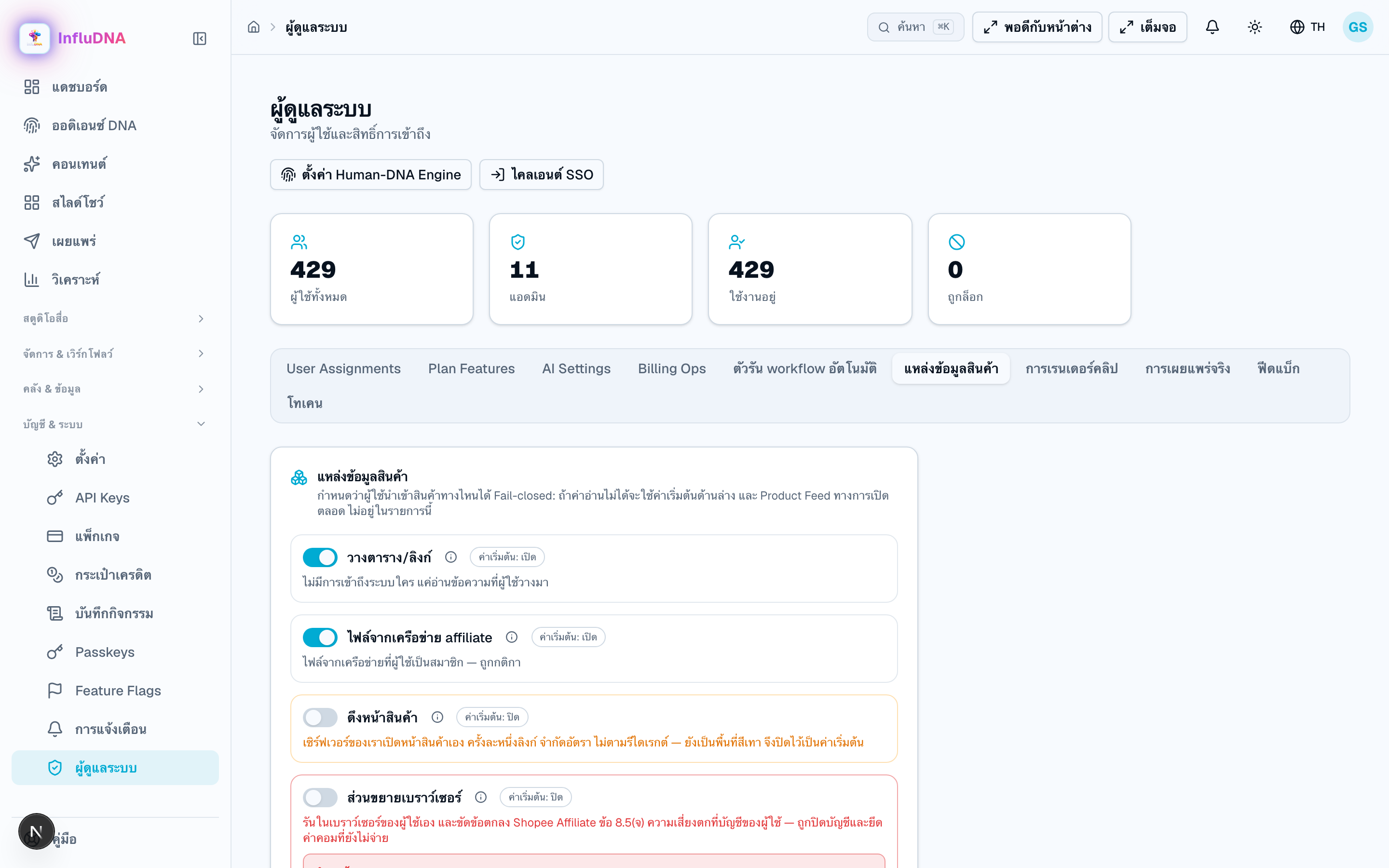 Full size
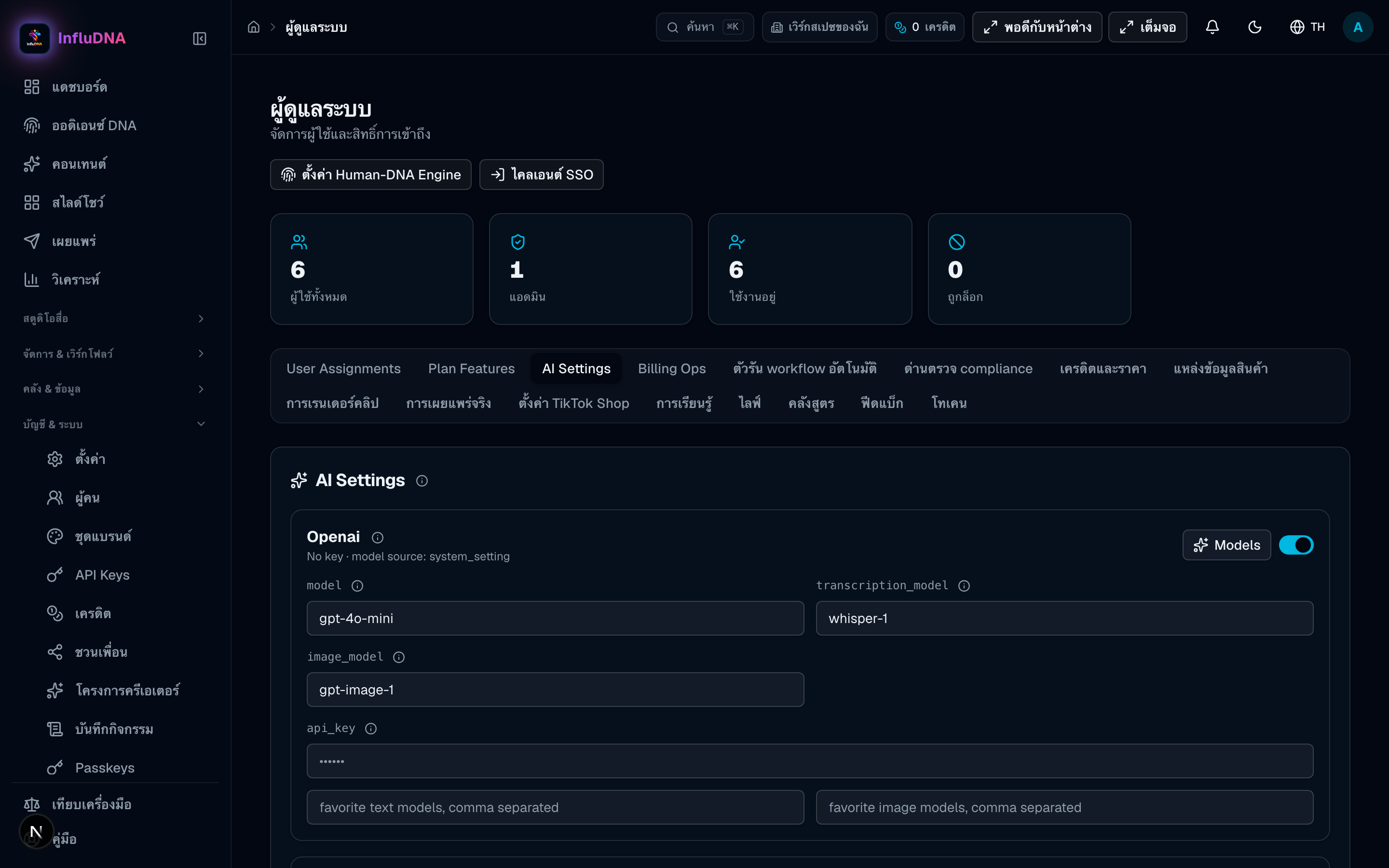
The model provider and its key. Without one, text generation still answers — with a canned draft that says it is one.
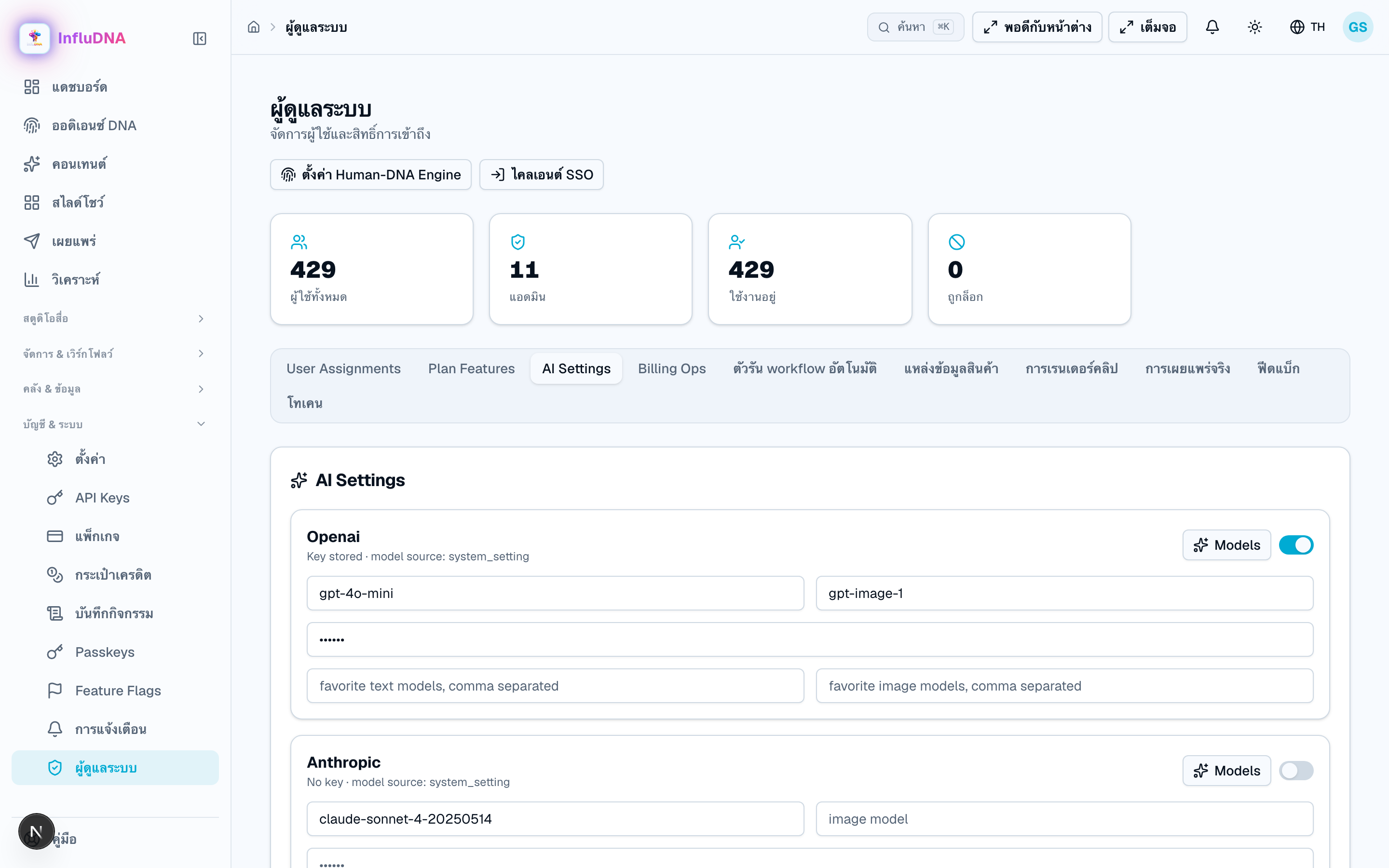 Full size
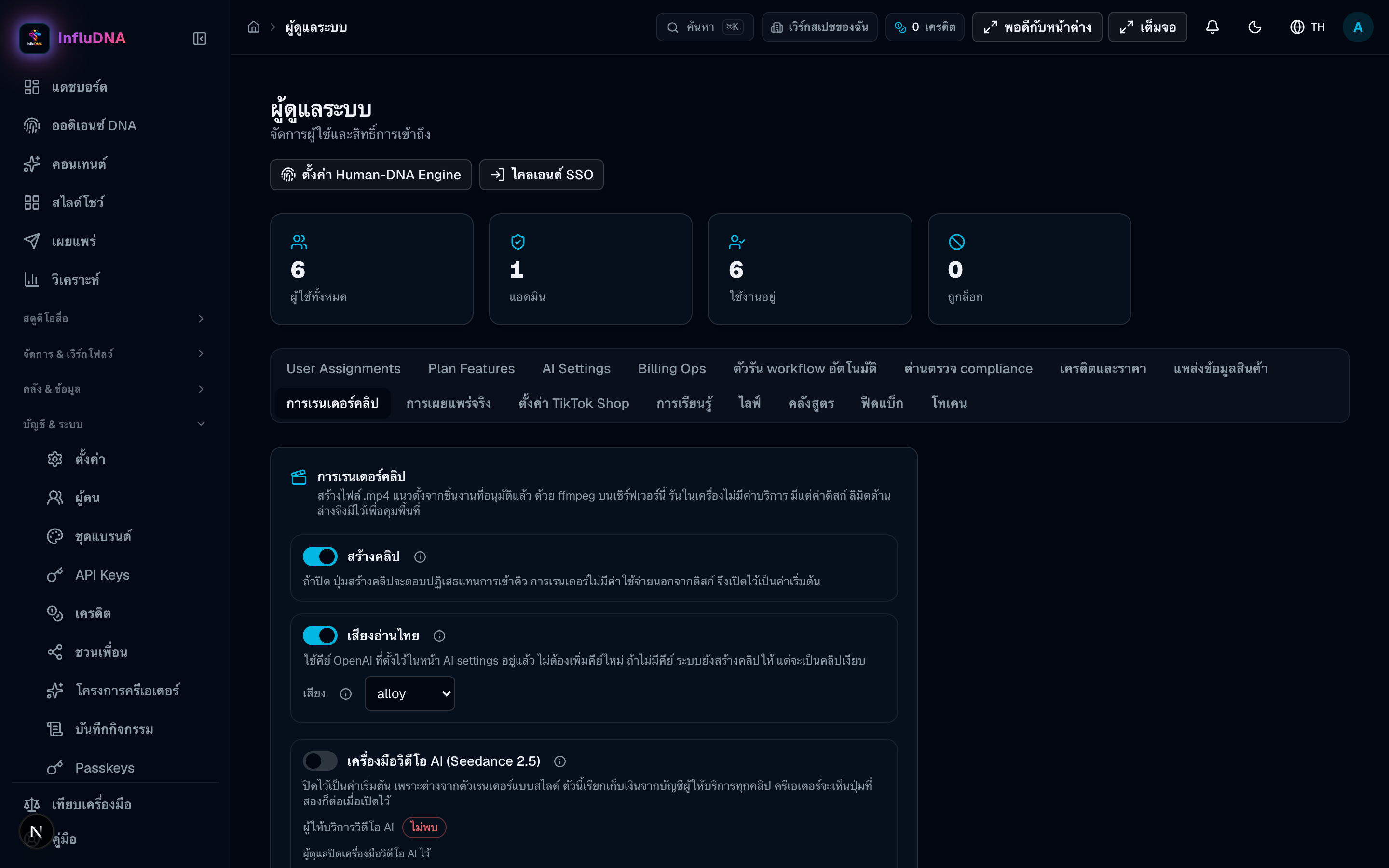
Clip rendering on or off, the daily cap and the storage cap. When any of these blocks a render, the Make-a-clip button disables itself and prints which one.
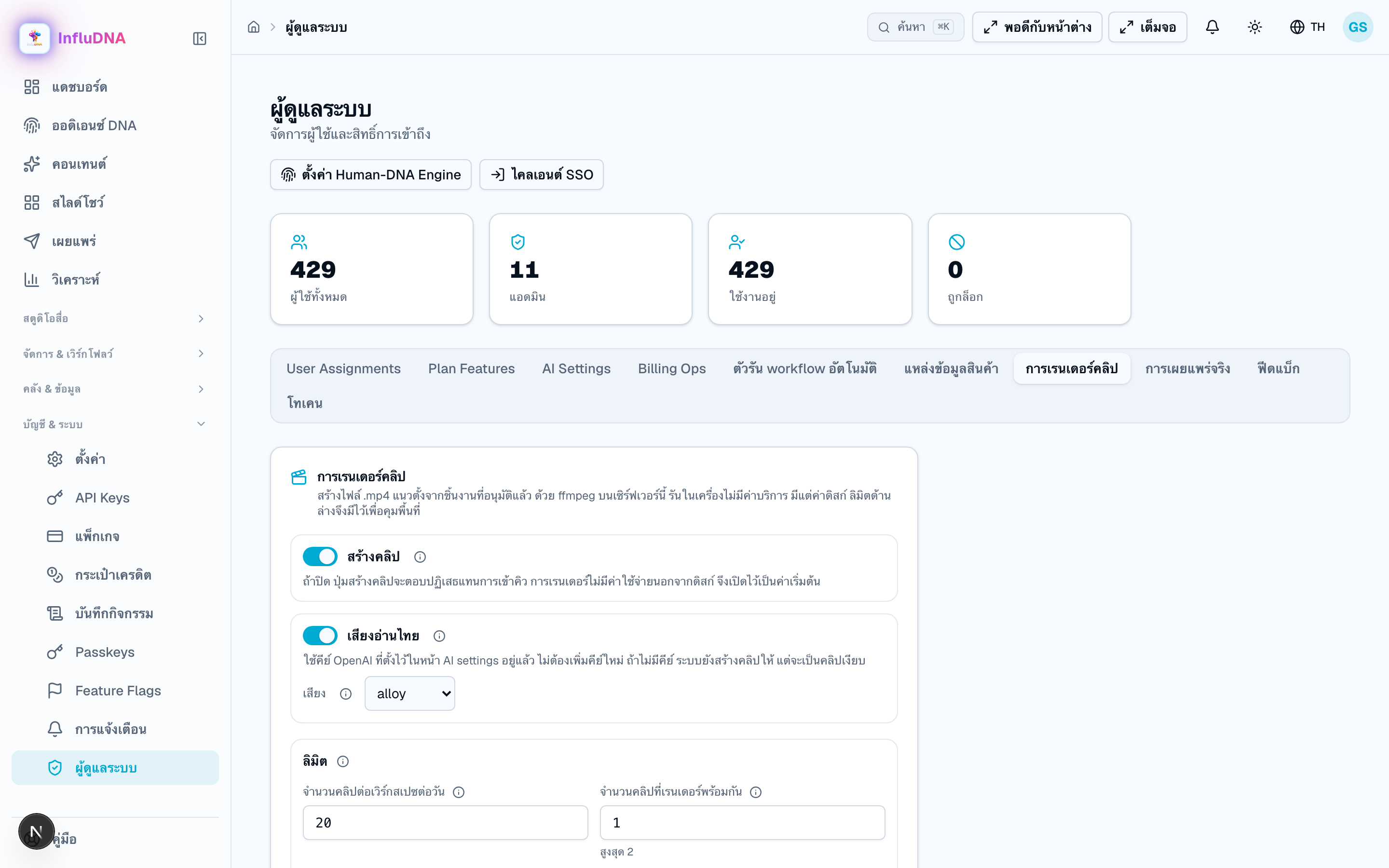 Full size
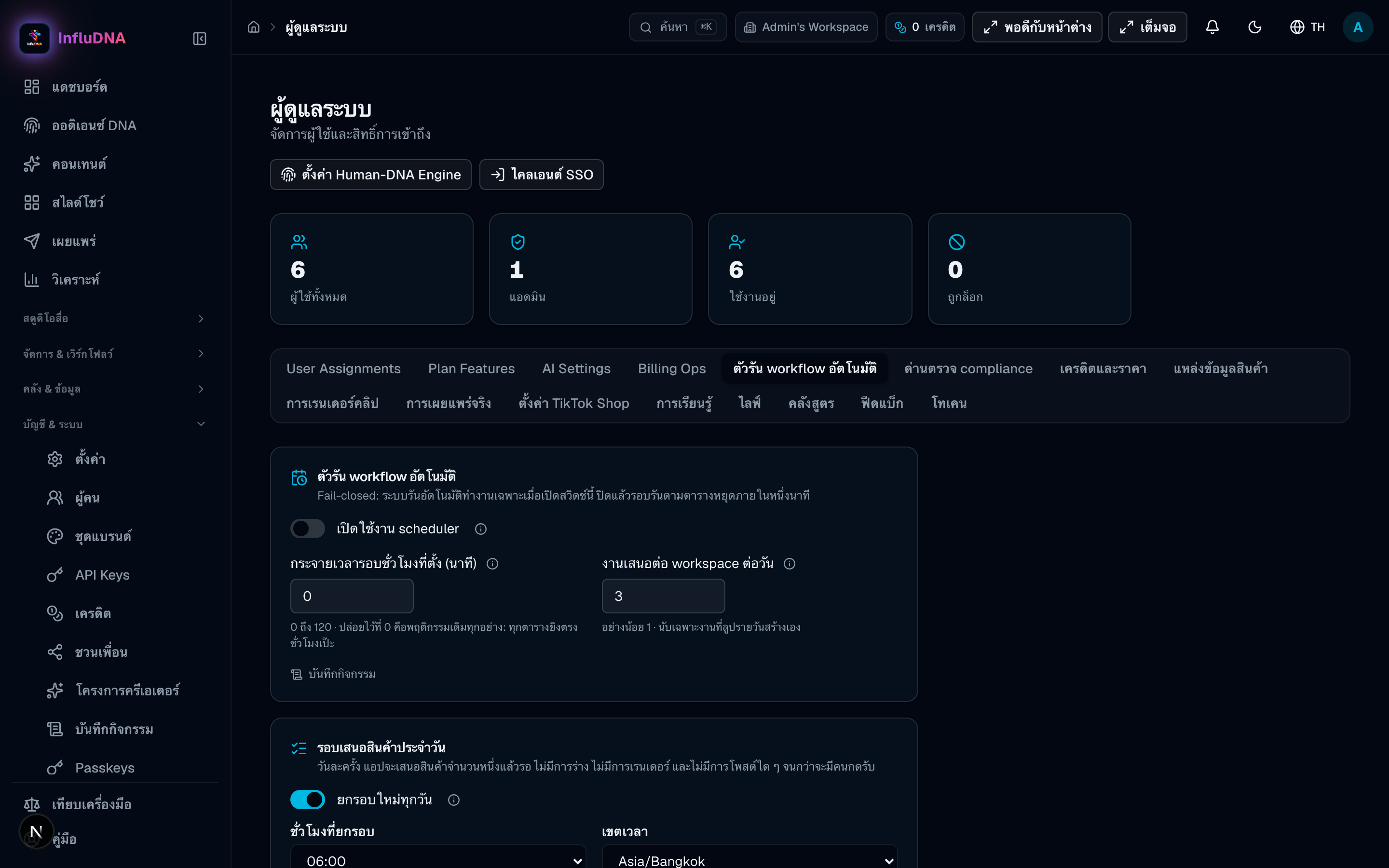
The server-wide automation switch. With it off, daily workflow schedules do not run, and the builder tells the creator that rather than letting them believe they armed something.
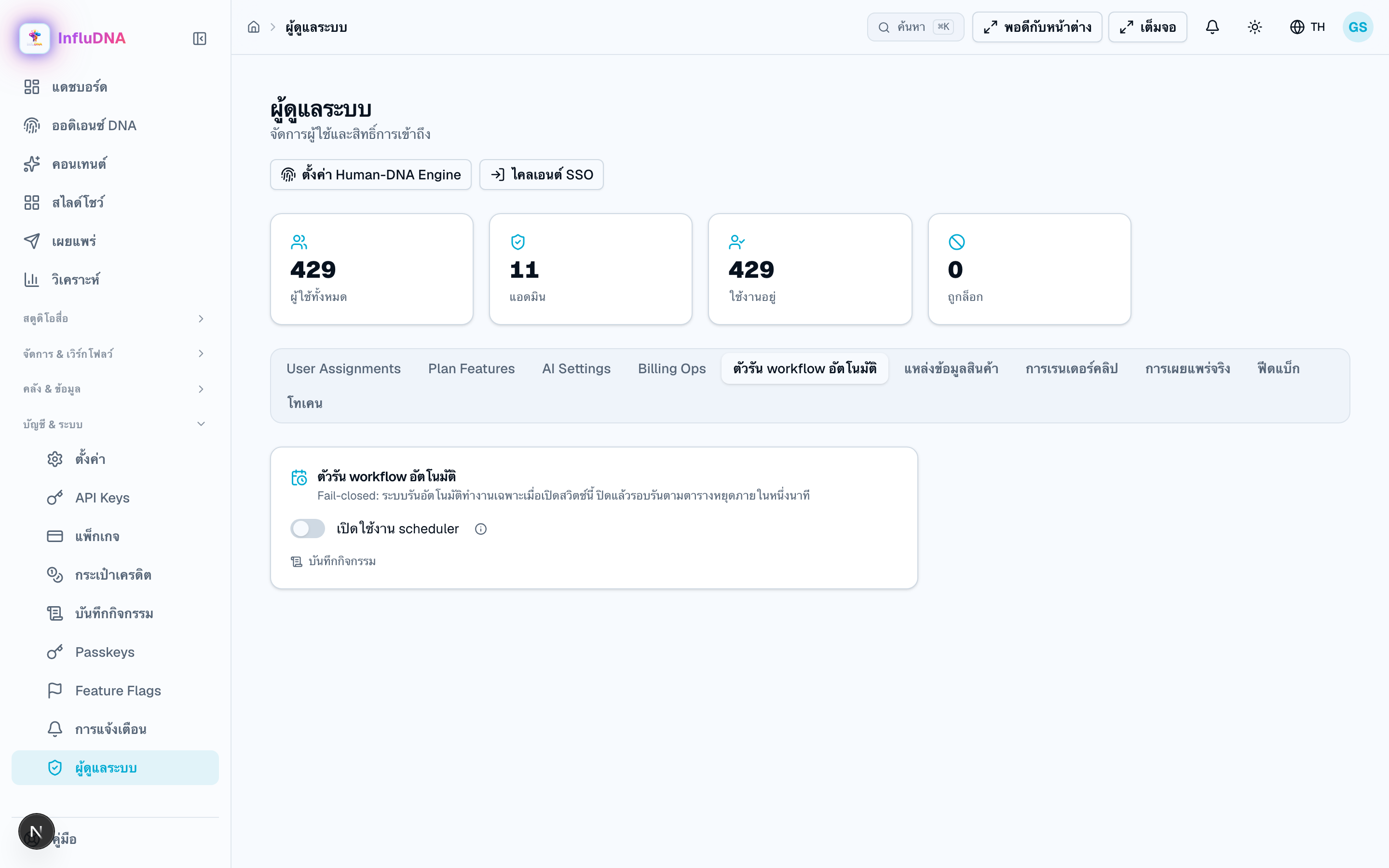 Full size
Choose the right section, provide only the source information that page asks for, check the result, then follow its Next step. Every public item still passes through Review before Publish.